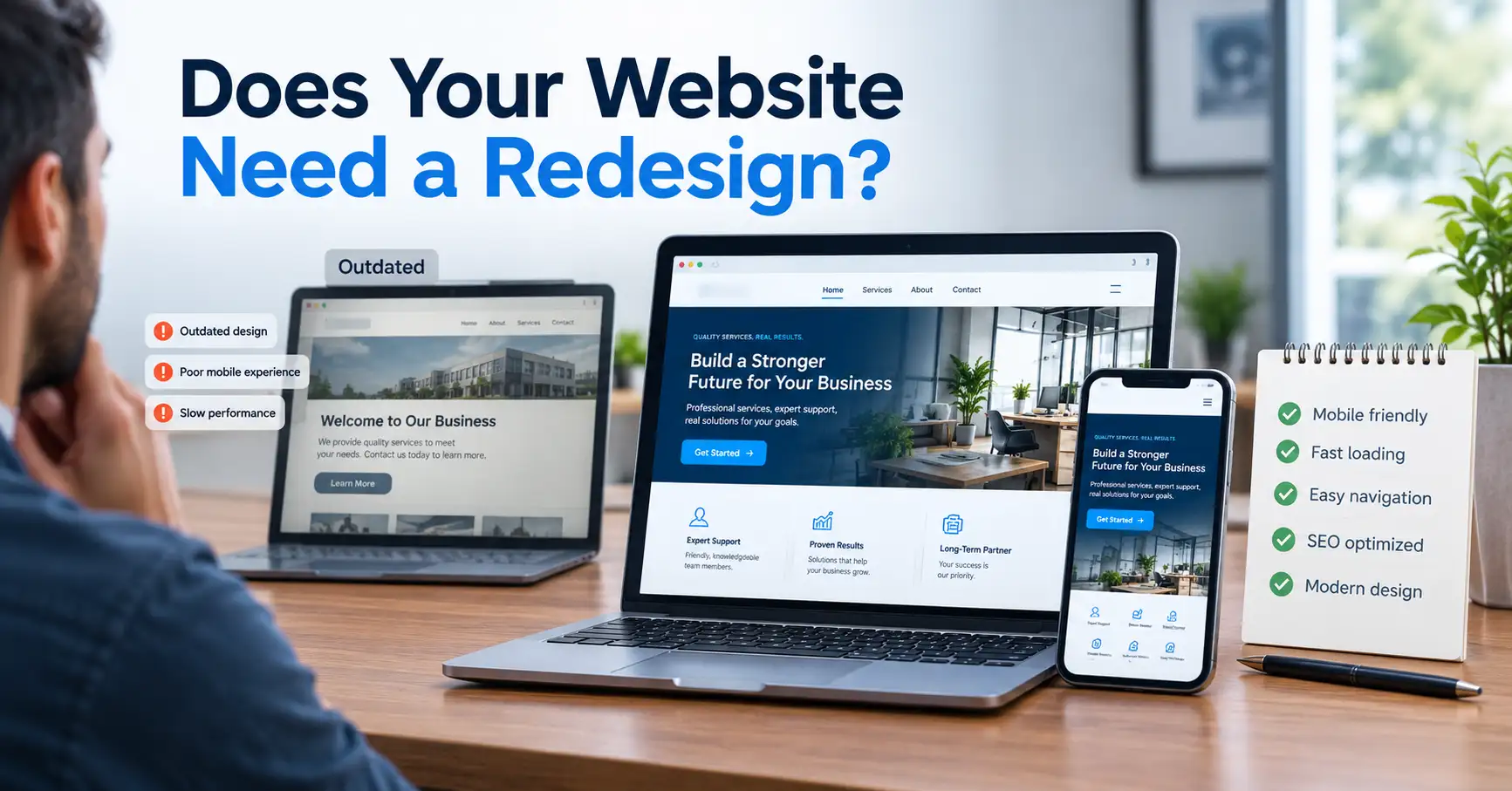
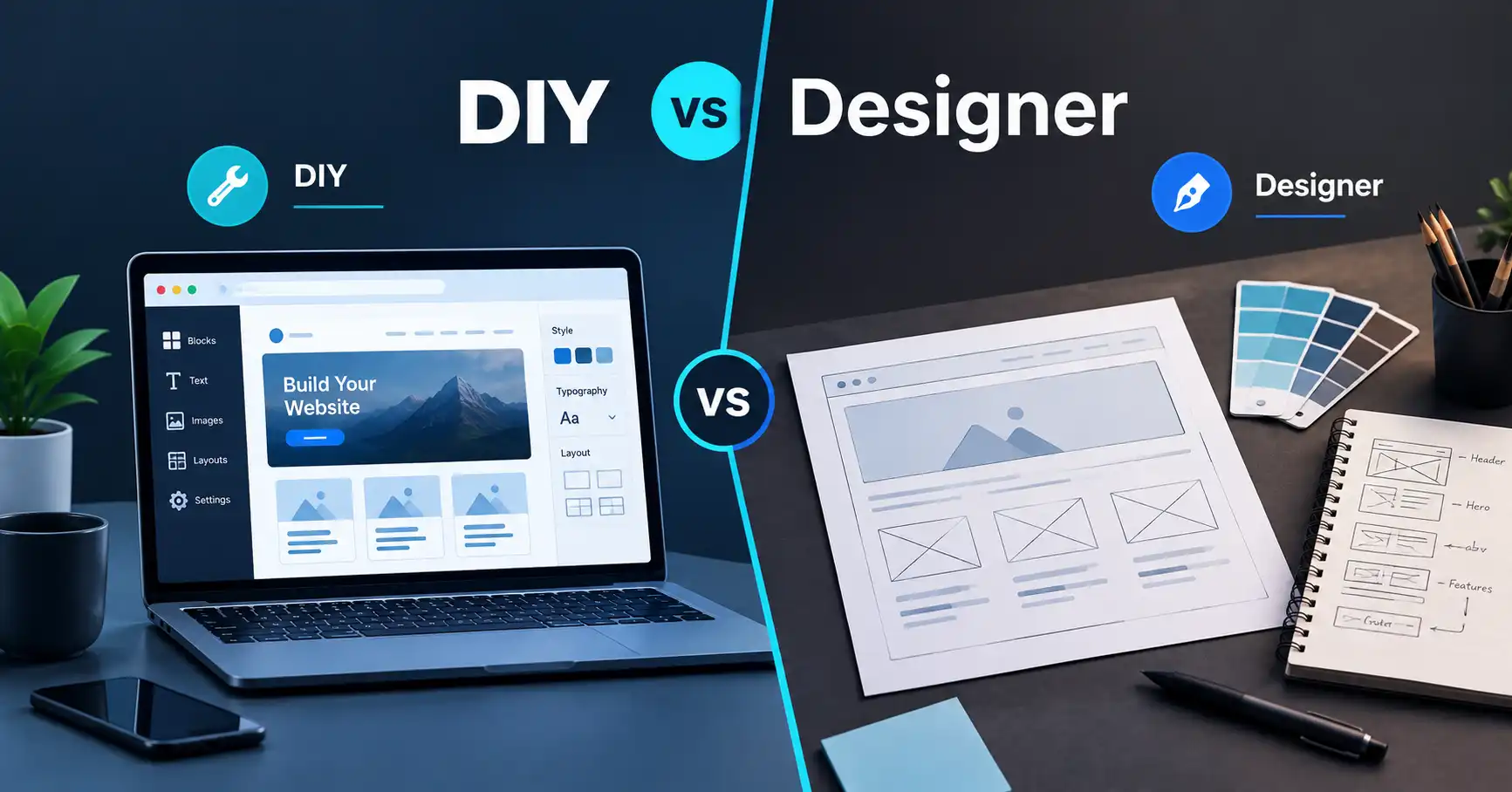
What Does a Small Business Website Need?
When a small-business owner says, “I just need a simple website,” the word simple can mean very different things.
Maybe they mean five pages, a contact form, a few photos, and a phone number.
Or they may mean a website that looks professional, works properly on phones, appears in Google, loads quickly, collects enquiries, can be updated later, and gives customers enough confidence to contact the business.
Those are very different projects.
That is also why searching for small business website cost can be frustrating. You may find one price for a five-page website and another that is several times higher, even though both sellers are describing the project as a “small business website.”
The difference is usually not the number of pages.
It is what has to happen behind those pages.
Let's walk through the decision the way I would explain it to someone building their first business website.
First, Decide What the Website Has to Accomplish
Imagine you run a local service business.
You don't necessarily need an enormous website. You need customers to understand what you do, decide whether you're relevant to them, and contact you.
That immediately gives the website a job.
Your homepage needs to explain the business.
Your service pages need to explain what you actually provide.
Your About page can establish context and credibility.
Your Contact page needs to make reaching you easy.
And your website needs to work properly when someone finds it from a phone.
This is the first lesson:
Don't start by asking how many pages you need. Start by asking what your visitors need to know before they contact you.
Once you answer that question, the page structure becomes much easier to plan.
For a broader step-by-step explanation of planning and building a business website, this supporting article should also point readers to the PlanYourHost pillar:
[How to Build a Business Website: A Practical Guide From Planning to Launch] → [INSERT THE PUBLISHED PILLAR URL]
What Does a Small Business Website Actually Need?
A practical small-business website normally needs more than a collection of attractive pages.
At a basic level, you should think about these components:
- A domain name
- Web hosting
- A clear website structure
- Professional or appropriate design
- Useful content
- Mobile responsiveness
- Contact functionality
- Basic SEO
- Security
- Performance optimization
- Testing
- Maintenance
Not every business needs advanced functionality.
But almost every business benefits from getting the fundamentals right.
The important question is therefore not:
“How many features can I add?”
It is:
“What does my customer need from this website?”
That difference can save you money.
1. You Need a Domain Name
A domain is the address people type into their browser to find your website.
For example:
yourbusiness.com
A common beginner mistake is thinking that buying the domain means the website is ready.
It isn't.
The domain is the address. Your website still needs somewhere to live.
Think of it like a physical business.
The domain is the street address.
The website hosting is the property where the business actually operates.
You can register a domain separately from your hosting, and keeping those concepts separate makes future website decisions easier.
What should you look for in a domain?
Keep it:
- Relevant to the business
- Easy to spell
- Easy to remember
- Reasonably short
- Free from unnecessary numbers or confusing characters
Don't spend hours trying to create a clever domain if a straightforward business name is available and appropriate.
The domain should make it easier for customers to find you, not create another problem to remember.
If your immediate question is where to register a domain, a domain provider such as Namecheap may be worth considering. The important point is to compare the registration and renewal terms before buying.
2. You Need Web Hosting
The next question is usually:
“Okay, I have the domain. Why do I need hosting?”
Because your domain and website are not the same thing.
Hosting provides the server environment where your website's files, database, images, and other resources are stored.
When somebody enters your domain, their browser needs to retrieve the website from that server.
For a straightforward small-business website, you usually don't need an unnecessarily complicated server setup.
You need hosting that matches the site's requirements.
That means considering:
- Expected traffic
- Website platform
- Storage requirements
- Performance
- Backups
- Security
- Support
- Renewal pricing
- Ability to upgrade later
If you are still deciding what type of hosting you need, the PlanYourHost guide How to Choose Web Hosting: A Practical Guide for Beginners is a useful next step because it explains what to evaluate instead of simply choosing a plan because its headline price looks cheap.
You can also explore general hosting options if you already know that shared hosting fits your project.
3. You Need the Right Pages
This is where the idea of a “five-page website” becomes misleading.
Five pages can be enough for one business and completely inadequate for another.
For a typical local service business, a starting structure might look like:
- Home
- About
- Services
- A dedicated service or information page
- Contact
But don't copy that structure automatically.
If you provide three very different services, combining all of them onto one page may make the website harder to understand.
On the other hand, creating fifteen thin pages just to make the website look bigger doesn't help either.
A useful page should have a reason to exist.
Ask:
What question does this page answer?
If you can't answer that, the page may not be necessary.
4. Your Website Needs Clear Content
A small business website doesn't need hundreds of paragraphs.
It does need the right information.
A visitor should be able to understand:
- What you do
- Who you help
- Where you operate
- What makes your service relevant
- How to contact you
- What they should do next
For example, “We provide professional solutions for businesses” tells the visitor almost nothing.
“Commercial air-conditioning installation and maintenance for businesses in Riyadh” communicates much more.
Good website content reduces the amount of guessing a visitor has to do.
That matters because people rarely arrive at a business website with unlimited patience.
5. Your Design Should Help People Navigate
Design isn't just decoration.
A professional design helps visitors understand what matters first.
A useful business website should make important information easy to find.
That includes:
- Navigation
- Headings
- Buttons
- Contact information
- Service descriptions
- Images
- Forms
- Calls to action
This is also one reason cost to build a small business website can vary.
There is a significant difference between taking an existing template, replacing the logo and text, and calling the job complete versus planning a custom layout around the business and its customers.
You don't necessarily need a completely custom design.
But you should know what you're paying for.
6. It Must Work Properly on Phones
Here's an easy test.
Open your website on your phone.
Can you immediately:
- Read the text?
- Open the menu?
- Tap the buttons?
- Complete the contact form?
- Find the phone number?
- View the important images?
- Understand what the business does?
If the answer is no, the website has a problem.
Responsive design means the layout adapts to different screen sizes.
A desktop layout may use several columns. On a phone, those columns may need to stack vertically.
Buttons may need to become larger.
Navigation may need to change.
Images may need to resize.
This isn't a separate “nice extra.”
For a modern business website, mobile usability should be part of the basic build.
7. Your Website Needs a Contact System
A business website exists for a reason.
For many small businesses, that reason is generating enquiries.
So make the contact process obvious.
Depending on your business, this could include:
- Contact form
- Phone number
- Location
- Booking form
- Quote request
- Appointment system
You don't need all of them.
Choose the method that matches how your business actually handles customers.
For example, a consultant might need a consultation request form, while a local repair company may benefit more from a prominent phone and messaging option.
The goal is to reduce friction between:
“This business can help me.”
and
“I'd like to contact them.”
8. Basic SEO Should Be Planned Before Launch
SEO is often treated as something you do after the website is finished.
That's a mistake.
You don't need an enormous SEO campaign to launch a small-business website, but the basic structure should be considered from the beginning.
Important foundations include:
- Descriptive page titles
- Useful meta descriptions
- Logical headings
- Search-friendly URLs
- Relevant content
- Internal links
- Descriptive image alt text
- Crawlable navigation
- Appropriate technical configuration
For example, a page called:
/services/
isn't necessarily wrong.
But if the business provides residential plumbing services in a particular market, a more descriptive structure may make the page's purpose clearer.
SEO isn't about repeating the same phrase fifty times.
It's about making the website understandable to both people and search engines.
9. Security Should Be Part of the Build
A small business website still needs basic security.
At minimum, you should consider:
- HTTPS
- Strong administrator credentials
- Software updates
- Secure hosting
- Backups
- Form protection
- Plugin and theme updates where applicable
If you're using WordPress, security also becomes an ongoing responsibility because the core software, themes, and plugins may need updates.
This is one of those costs people sometimes forget when calculating small business website development cost.
Building the site is one expense.
Keeping the site maintained is another.
10. Performance Matters
Imagine finding a business through Google, clicking the result, and then waiting for a huge image to load.
You probably aren't thinking:
“This website has an impressive technical architecture.”
You're thinking:
“Is this thing going to load?”
Performance is therefore a practical business concern.
A website can become slow because of:
- Oversized images
- Too many plugins
- Excessive scripts
- Poor hosting
- Unoptimized code
- Unnecessary third-party services
- Inefficient page builders
- Poor caching configuration
Not every performance problem requires expensive infrastructure.
Sometimes the problem is simply that the website was built without considering performance.
Before paying for more powerful hosting, find out what is actually slowing the site down.
11. Do You Need WordPress?
A business owner often asks:
“Should I use WordPress?”
Maybe.
WordPress can be useful when you want a content management system that allows you to update pages, publish content, manage media, and extend the website with additional functionality.
But installing WordPress doesn't magically create a finished business website.
You still have to deal with:
- Theme or design
- Page structure
- Plugins
- Content
- Security
- Performance
- SEO
- Backups
- Maintenance
If you decide WordPress is appropriate, hosting designed for WordPress may simplify some parts of the setup.
You can review WordPress hosting options when comparing hosting specifically for a WordPress website.
The important thing is to choose WordPress because it fits the project, not because somebody told you every business website must use it.
12. What About AI Website Builders?
This is where the decision becomes interesting.
You might think:
“If AI can create the website, why would I pay someone to build it?”
For some projects, you may not need to.
If your requirements are straightforward and you are comfortable reviewing and maintaining the result, an AI-assisted website builder can be a reasonable DIY path.
For example, someone who specifically wants AI-assisted website creation can explore Hostinger Horizons.
But don't confuse:
“AI generated a website.”
with:
“The business now has a properly planned website.”
You still need to check:
- Is the content accurate?
- Are the services described correctly?
- Does the navigation make sense?
- Does the website work on mobile?
- Are the forms working?
- Are important pages missing?
- Are images appropriate?
- Is the SEO structure sensible?
- Is the website fast enough?
- Who will maintain it later?
AI can reduce production effort.
It doesn't remove the need for business decisions.
13. So How Much Does a 5-Page Business Website Cost?
Now we can return to the question that brought you here.
How much does a 5-page business website cost?
There isn't a responsible universal price.
The page count tells you how many pages exist.
It doesn't tell you how much work goes into those pages.
Consider two hypothetical projects.
Project A
A business owner chooses a suitable template, supplies finished text and images, uses a standard contact form, and needs basic configuration.
That's relatively straightforward.
Project B
Another business wants five custom-designed pages, rewritten content, custom forms, mobile-specific layouts, SEO setup, image optimization, integrations, migration from an existing website, testing, and post-launch support.
Both websites have five pages.
The workloads are completely different.
That's why how much does a 5 page business website cost isn't a question that can be answered accurately from the page count alone.
What Actually Increases Website Development Cost?
If you're comparing quotes, look beyond the number of pages.
1. Custom design
A template-based site and a custom-designed site require different amounts of design work.
2. Content creation
If the developer receives finished content, the workflow is simpler.
If someone has to research, write, edit, structure, and format the content, that's additional work.
3. Custom functionality
A contact form is relatively simple.
A booking system, membership system, calculator, ecommerce functionality, CRM integration, or custom application is a different level of development.
4. Migration
Moving an existing website can involve:
- Content migration
- URL preservation
- Redirects
- Database work
- Image migration
- Testing
- DNS changes
5. SEO setup
Basic technical SEO is different from a complete ongoing SEO campaign.
Be clear about what is actually included.
6. Performance work
Image optimization and basic configuration may be straightforward.
Deep performance troubleshooting can require much more technical work.
7. Maintenance
Ask who will handle updates, backups, security issues, content changes, and technical problems after launch.
That can affect the total cost of ownership even if it doesn't appear in the initial development quote.
Don't Compare Website Quotes by Price Alone
Suppose you receive three quotes.
One is much cheaper.
Before choosing it, ask:
What exactly is included?
Compare:
| Requirement | Quote A | Quote B | Quote C |
|---|---|---|---|
| Custom design | ? | ? | ? |
| Mobile responsive | ? | ? | ? |
| Content formatting | ? | ? | ? |
| Contact form | ? | ? | ? |
| SEO foundations | ? | ? | ? |
| Image optimization | ? | ? | ? |
| Hosting setup | ? | ? | ? |
| Testing | ? | ? | ? |
| Launch support | ? | ? | ? |
| Maintenance | ? | ? | ? |
This is much more useful than asking which quote has the lowest number.
A low quote can be perfectly reasonable if the scope is genuinely small.
A high quote can also be reasonable if it includes substantial custom work.
The important thing is understanding what you're buying.
When Should You Build It Yourself?
DIY makes sense when:
- The website is straightforward.
- You have time to learn.
- You're comfortable managing the platform.
- You can prepare the content.
- You don't need unusual functionality.
- You are willing to handle updates and troubleshooting.
The hidden cost is your time.
A website may be inexpensive in cash but expensive in hours.
That isn't necessarily a bad thing.
If you're learning and have the time, those hours may be worthwhile.
When Does an AI Website Builder Make Sense?
Consider an AI-assisted builder when:
- You specifically want a DIY solution.
- Your website requirements are straightforward.
- You want to generate an initial design quickly.
- You're comfortable reviewing and editing the result.
- You don't need highly customized functionality.
The biggest mistake is assuming the generated website is automatically ready for business use.
Review everything.
When Does WordPress Make Sense?
WordPress may make sense when:
- You want an editable CMS.
- You expect to publish content.
- You need plugins or extensions.
- You want flexibility as the site grows.
- You are comfortable maintaining the system or have someone who can do it.
Don't choose it simply because it is popular.
Choose it because its capabilities match the project.
When Should You Hire a Professional?
Professional development becomes more relevant when you need:
- Custom website planning
- Custom design
- Custom development
- Complex forms
- Third-party integrations
- Ecommerce
- Migration
- Technical SEO foundations
- Performance optimization
- Ongoing maintenance
- Troubleshooting
- A website built around specific business processes
This is also where you should stop thinking only in terms of “five pages.”
A professional isn't simply producing five screens.
They may be solving a collection of problems that happen to result in five public-facing pages.
What Should You Ask a Web Developer Before Hiring Them?
Instead of asking only:
“How much for a website?”
ask:
- What is included in the design?
- Is the website responsive?
- Who prepares the content?
- Who supplies the images?
- What platform will be used?
- Is basic SEO included?
- Is hosting included?
- Who owns the website and domain?
- What happens after launch?
- What maintenance is available?
- Are revisions included?
- What functionality is included?
- How will the website be tested?
- What happens if something breaks after launch?
These questions can reveal more about a proposal than the headline price.
A Practical Small Business Website Checklist
Before launching, work through this list.
Planning
- Know the purpose of the website
- Identify the target customer
- Define the main action visitors should take
- Decide which pages are actually necessary
Domain and hosting
- Register an appropriate domain
- Choose hosting based on the website's needs
- Understand renewal costs
- Confirm who controls the hosting account
Design
- Establish a consistent visual style
- Make navigation easy
- Use readable typography
- Make calls to action obvious
- Check the website on different screen sizes
Content
- Explain what the business does
- Describe services clearly
- Provide contact information
- Use relevant images
- Remove unnecessary filler
SEO
- Write descriptive page titles
- Create useful meta descriptions
- Use logical headings
- Use descriptive URLs
- Add useful internal links
- Add appropriate image alt text
Technical
- Enable HTTPS
- Test forms
- Test links
- Check mobile layouts
- Optimize images
- Configure backups
- Update software
- Test website performance
Before launch
- Proofread every page
- Check phone numbers
- Check email addresses
- Test contact forms
- Test navigation
- Review the website on a real phone
- Confirm analytics if required
- Confirm search-engine indexing settings
The Best Way to Think About Small Business Website Cost
If you're trying to work out small business website cost, don't start with:
“How cheap can I get five pages?”
Start with:
“What does my business actually need the website to do?”
That one question changes the entire conversation.
If you only need a straightforward informational website and have the time to build it, DIY may be perfectly reasonable.
If you want AI assistance, an AI website builder can be another route.
If you need an editable CMS and flexibility, WordPress may fit.
If the website involves custom planning, development, integrations, migration, performance work, or ongoing technical requirements, professional development becomes more relevant.
There is no requirement for every small business to choose the same path.
The sensible approach is to match the website, platform, hosting, development method, and budget to the actual business requirement.
And if you are getting professional quotes, don't judge them by page count alone.
Ask what problem each quote is solving.
That is how you avoid paying for features you don't need while also avoiding the opposite mistake: choosing a cheap website that leaves important business requirements unfinished.
Frequently Asked Questions
How much does a small business website cost?
There is no single price that applies to every small business website. The total depends on the design, platform, content, functionality, hosting, SEO setup, migration requirements, testing, and maintenance involved.
A five-page template-based website can require much less work than a five-page website with custom design, integrations, content development, and technical optimization.
How much does a 5-page business website cost?
A five-page website should not be priced from page count alone.
Before comparing prices, determine whether the project includes custom design, content preparation, responsive development, forms, SEO foundations, image optimization, testing, hosting configuration, migration, and post-launch support.
Two five-page websites can have very different development requirements.
What does a small business website need before launch?
At a minimum, plan for a suitable domain, hosting, clear page structure, useful content, responsive design, working contact methods, basic SEO foundations, HTTPS, security, backups, and testing.
The exact requirements depend on the type of business and what the website needs to accomplish.
Is WordPress necessary for a small business website?
No.
WordPress is one possible platform. A small business can use WordPress, an AI website builder, another website platform, or a custom-developed site.
The right choice depends on how much control, customization, content management, functionality, and maintenance the business requires.
Can AI build my small business website?
AI-assisted website builders can help create a website, particularly when the project is straightforward and the owner wants a DIY approach.
However, the generated website still needs to be reviewed. Check the content, page structure, mobile experience, forms, images, SEO setup, performance, and ongoing maintenance requirements before treating it as a finished business website.
If your specific goal is to build a website with AI, you can explore Hostinger Horizons as one available AI website-building option.
Should I hire a professional web developer?
Consider professional help when you need custom planning, design, development, integrations, ecommerce, migration, performance optimization, technical SEO, or ongoing support.
If your requirements are simple and you have the time and ability to manage the website yourself, DIY can also be a reasonable option.
The important thing is to match the development approach to the actual project rather than assuming every business needs the same solution.
What Should You Do Next?
If you're still at the planning stage, don't buy a hosting plan or hire a developer simply because you feel you need to “get started.”
Write down:
1. What does my business do?
2. Who needs this website?
3. What do I want visitors to do?
4. Which pages are genuinely necessary?
5. What functionality do I need?
6. Who will maintain the website after launch?
Once those answers are clear, choosing between DIY, AI, WordPress, and professional development becomes much easier.
And if you decide that the project requires professional planning, design, development, or technical setup, you can contact PlanYourHost with the requirements rather than simply asking for “a five-page website.”
That gives both sides a much clearer starting point.
Share this article 👇