How to Choose a Web Designer for Your Small Business
Choosing a web designer is not simply a matter of finding someone who can make a website look attractive. For a small business, your website may be responsible for explaining what you offer, building trust, generating inquiries, supporting search visibility, and giving customers a clear way to contact or buy from you.
That makes choosing the person to build it an important decision.
The challenge is that web designers can offer very different services. One may primarily create visual designs, another may specialize in WordPress, while another may handle design, development, SEO foundations, performance, security, hosting, and ongoing maintenance.
So how do you choose a web designer who actually fits your business?
Start by looking beyond screenshots. Examine their process, communication, technical understanding, scope of work, and ability to explain what your website needs.
If you are still planning the website itself, it also helps to understand the broader process covered in our guide to building a business website. Choosing the right designer is much easier when you already understand what you are asking them to build.
1. Start With What Your Business Actually Needs
Before contacting a web designer, define the basic purpose of the website.
You do not need a complete technical specification. But you should be able to answer questions such as:
- What does your business do?
- Who is the website for?
- What action should visitors take?
- How many important pages do you expect?
- Do you need online payments or e-commerce?
- Will customers need to submit forms?
- Do you need appointment booking?
- Will you publish articles?
- Do you need integrations with other services?
- Who will maintain the website after launch?
For example, a local service business might need a relatively straightforward website with service pages, an about page, contact information, location details, inquiry forms, and a blog.
An online store has very different requirements. It may need product management, payment processing, shipping configuration, customer accounts, order management, and additional security considerations.
The clearer your requirements are, the easier it becomes to compare designers accurately.
2. Understand What "Web Designer" Means
The term "web designer" can describe different levels of service.
A designer may focus mainly on:
- Page layouts
- Typography
- Colors
- Branding
- Visual hierarchy
- User experience
- Responsive layouts
Another professional may also handle development, meaning they turn those designs into a functioning website.
This distinction matters.
A visually impressive design does not automatically mean the finished website will be fast, accessible, mobile-friendly, secure, or easy to maintain.
Ask what is actually included.
A professional working on your project should be able to explain where design ends and development begins, and whether they personally handle both areas or work with another developer.
3. Review Their Portfolio, but Look Beyond Appearance
A portfolio is useful, but do not judge it only by whether the websites look attractive.
Look for evidence that the designer understands business websites.
When reviewing examples, ask:
- Does the website clearly communicate what the business offers?
- Is the navigation easy to understand?
- Does the design work on mobile devices?
- Are calls to action easy to find?
- Does the page structure make sense?
- Are important business details easy to locate?
- Do different projects look appropriately different?
- Does the designer appear to adapt the website to the business?
A portfolio containing ten visually similar websites may tell you less than a smaller portfolio showing different industries and different business requirements.
If possible, visit the actual websites represented in the portfolio rather than relying only on screenshots.
You can also ask what role the designer had in each project. A portfolio item does not necessarily mean the person independently handled design, development, content, SEO, and technical setup.
4. Ask How They Approach Your Business Goals
One of the most useful questions to ask a web designer is:
"How would you approach my website?"
Pay attention to the answer.
A useful response should involve questions about your business rather than immediately presenting a template.
They may want to understand:
- Your target customers
- Your services or products
- Your competitors
- Your desired customer journey
- Your existing website
- Your content
- Your branding
- Your business goals
- Your required functionality
This matters because a website should be designed around the people who will use it.
If a designer wants to start immediately without understanding the business, you may not yet have enough information to determine whether their proposed solution fits your needs.
5. Ask What Is Included in the Project
Before agreeing to anything, get the scope in writing.
A website project may include some combination of:
- Website planning
- Wireframes
- Visual design
- Website development
- WordPress setup
- Theme configuration
- Plugin configuration
- Content migration
- Contact forms
- Basic technical SEO
- Mobile optimization
- Performance optimization
- Security configuration
- Analytics setup
- Launch assistance
- Training
- Maintenance
Not every project needs all of these services.
The important point is knowing what you are actually paying for.
For example, "five-page website" can mean very different things depending on whether the package includes custom design, content preparation, responsive development, forms, SEO setup, revisions, hosting configuration, and post-launch support.
This is one reason it is useful to understand what a small business website needs. If you already have a checklist of requirements, you can use it when comparing proposals.
6. Ask About Their Technical Approach
You do not need to become a developer before hiring one.
However, you should understand the basic technology being proposed.
Ask questions such as:
What platform will you use?
For example, the website could use WordPress, another content management system, a website builder, or custom development.
Why is that platform appropriate for my project?
The explanation matters more than the platform name.
Who will control the website?
Make sure you understand who owns the hosting account, domain, website files, administrator accounts, and other important assets.
Can I edit the website myself?
This is particularly important if you expect to update pages, publish articles, add products, or make routine changes.
What happens if I stop working with you?
A professional arrangement should not leave you uncertain about how to access your own website.
7. Make Mobile Responsiveness a Requirement
A business website should not be designed only for a desktop screen.
Visitors may access it using phones, tablets, laptops, and large monitors. A responsive website adapts its layout and content to different screen sizes.
Ask the designer how mobile responsiveness is handled.
Do not settle for "yes, it's mobile-friendly" without understanding what that means for the actual project.
Look at their existing work on a phone if possible.
Check:
- Navigation
- Text size
- Buttons
- Forms
- Images
- Spacing
- Tables
- Menus
- Page loading
- Horizontal scrolling
A website can technically shrink to fit a phone while still providing a poor mobile experience.
8. Ask About SEO Without Expecting Magic
SEO should be considered during website development, but be careful with anyone promising guaranteed search rankings.
A designer or developer should understand basic technical SEO foundations such as:
- Logical page structure
- Search-friendly URLs
- Proper headings
- Metadata
- Image optimization
- Mobile responsiveness
- Performance
- Internal linking
- Indexability
- XML sitemaps where appropriate
- Canonical URLs where appropriate
This does not mean a web designer is automatically an SEO specialist.
If organic search is a major part of your business strategy, ask specifically what SEO work is included and what would require a separate service.
9. Ask About Website Performance
A beautiful website that performs poorly can create problems for both users and the business.
Ask how the designer approaches performance.
Relevant considerations include:
- Image sizes
- Image formats
- Unnecessary plugins
- JavaScript and CSS
- Font loading
- Caching
- Hosting configuration
- Third-party scripts
- Page structure
You do not need to demand a specific performance score.
Instead, ask the designer what they do to prevent unnecessary performance problems and whether performance optimization is included in the project.
10. Understand Security and Maintenance
Launching a website is not always the end of the project.
Websites may need ongoing updates, backups, security monitoring, plugin updates, content changes, and technical maintenance.
If the website uses WordPress, for example, updates to WordPress itself, themes, and plugins may need to be managed over time.
Ask:
- Who performs updates?
- Who handles backups?
- What happens if something breaks?
- Is security monitoring included?
- Is maintenance included?
- Is support available after launch?
- What does ongoing support cost?
These questions can prevent an uncomfortable situation later.
11. Ask About Communication and Revisions
A good technical solution can still become frustrating if communication is unclear.
Before starting, understand:
- Who will be your main contact?
- How will you communicate?
- How often will you receive updates?
- How are revisions handled?
- How many revision rounds are included?
- What happens when you request something outside the original scope?
Revisions are particularly important.
A project can change significantly if every small request is treated as an unlimited revision. At the same time, a process with almost no opportunity for feedback may make it difficult to produce a website that reflects your business.
A clear revision process protects both sides.
12. Compare Proposals by Scope, Not Just Price
Price is naturally important for a small business, but it should not be the only comparison point.
Imagine two proposals.
One is cheaper but includes only the basic website build.
The other costs more but includes planning, custom design, development, responsive implementation, technical setup, launch assistance, and defined post-launch support.
Those proposals are not necessarily offering the same product.
When comparing costs, look at:
| Factor | Questions to Ask |
|---|---|
| Scope | What exactly is being built? |
| Pages | How many pages are included? |
| Design | Custom design or template-based? |
| Development | Who builds the functioning website? |
| Content | Who supplies and formats the content? |
| SEO | What technical SEO work is included? |
| Mobile | Is responsive implementation included? |
| Revisions | How many rounds are included? |
| Hosting | Who manages hosting? |
| Domain | Who owns the domain account? |
| Maintenance | Is ongoing maintenance included? |
| Support | What happens after launch? |
For more context on the financial side, see our guide to how much a small business website costs. The important lesson is that the scope behind a price matters as much as the number itself.
13. Ask These Questions Before Hiring a Web Designer
If you want a simple checklist, ask the following:
- What do you recommend for my website and why?
- What platform will you use?
- Will the design be custom or based on an existing template?
- Who handles development?
- Is the website responsive?
- What SEO setup is included?
- How will you approach performance?
- What security and backup arrangements are included?
- Who owns the domain and hosting accounts?
- How many revisions are included?
- What happens when I request changes outside the agreed scope?
- How long will the project take?
- What happens after launch?
- Is ongoing maintenance available?
- What happens if I eventually want another developer to work on the website?
You do not need to ask every question in exactly this wording. The goal is to understand the working relationship before committing.
14. Watch for These Red Flags
Choosing a web designer becomes easier when you know what should make you pause.
Guaranteed search rankings
No legitimate website professional can guarantee a particular organic search ranking simply by building a website.
Extremely vague proposals
If you cannot tell what you are actually receiving, comparison becomes difficult.
No ownership clarity
You should know who controls your domain, hosting, website administrator account, and important website assets.
No defined revision process
Unlimited vague revisions can create confusion and disputes.
Refusal to explain technical decisions
You do not need an advanced technical lecture, but a professional should be able to explain why a particular platform or approach is being recommended.
No post-launch discussion
Even if you do not need maintenance, you should understand what happens once the website goes live.
A portfolio that cannot be verified
If someone presents websites as previous work, it is reasonable to ask what their role was in those projects.
15. Should You Hire a Freelancer, Agency, or Developer?
There is no single answer that applies to every small business.
A freelancer may be suitable when the project is relatively focused and you want to work directly with one person.
A web design or development agency may make sense when the project involves multiple disciplines, ongoing support, or more complex requirements.
A specialist developer may be appropriate when the website requires custom functionality, integrations, or technical development beyond ordinary website-building work.
The important question is not simply "Which type is best?"
Ask:
What does my project actually require, and who can reliably provide those services?
Your decision should reflect the complexity of the website, your available budget, how much involvement you want, and how much technical responsibility you want to handle yourself.
16. When Professional Web Development Makes Sense
You do not necessarily need to hire a professional for every website.
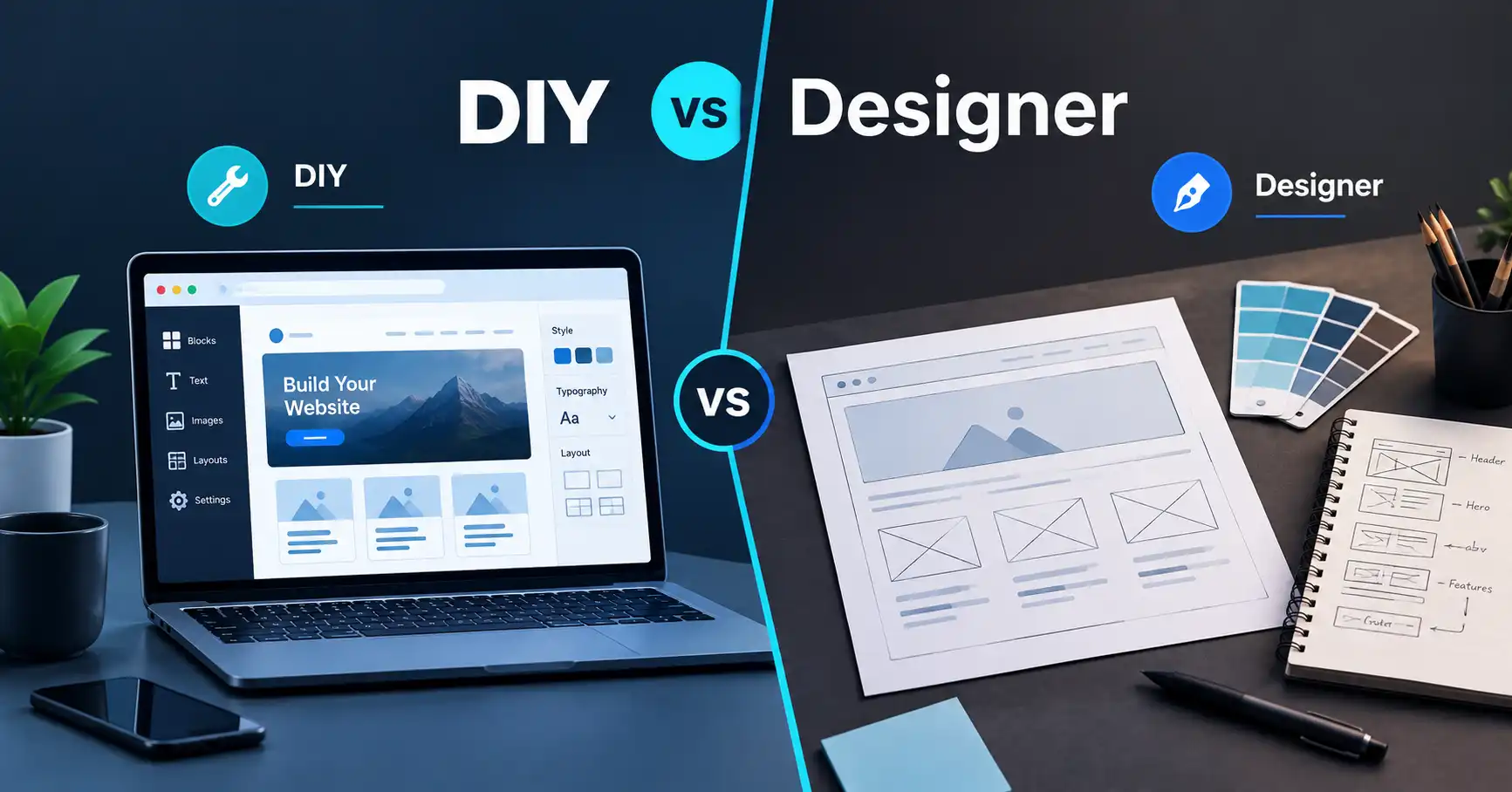
DIY tools and AI website builders can be useful when you have a simple project, enough time to learn the tools, and limited requirements.
WordPress can be useful when you want a flexible content management system and access to a large ecosystem of themes and plugins.
Professional development becomes more relevant when the website is an important part of the business and you need help with planning, custom design, development, integrations, performance, technical SEO foundations, security, or ongoing maintenance.
For example, suppose a local business needs a website that connects several services, has custom inquiry forms, requires a particular customer journey, and needs ongoing technical maintenance. In that situation, professional help may reduce the amount of technical work the business owner has to manage personally.
If you would rather have the planning, design, development, and technical setup handled professionally, you can contact PlanYourHost to discuss your website requirements.
17. A Simple Web Designer Checklist
Before hiring someone, make sure you can answer "yes" or have a clear answer to these questions:
- Do I understand what my website needs to accomplish?
- Have I reviewed the designer's actual work?
- Do I know exactly what is included?
- Do I understand the platform being recommended?
- Is mobile responsiveness included?
- Is the ownership of the domain and website clear?
- Do I understand the revision process?
- Do I know what happens after launch?
- Have SEO responsibilities been clearly defined?
- Have performance and security been discussed?
- Do I know what ongoing maintenance involves?
- Can the designer explain technical decisions clearly?
- Does the proposed solution match the complexity of my business?
If several of these questions remain unanswered, ask them before signing an agreement.
Frequently Asked Questions
How do I choose a web designer for a small business?
Start by defining what your website needs to accomplish, then evaluate designers based on relevant portfolio work, technical capabilities, communication, project scope, ownership, revisions, support, and maintenance. Price should be considered alongside the actual scope of work.
What questions should I ask a web designer?
Ask about their recommended platform, design and development process, responsive design, SEO setup, performance, security, revisions, project timeline, ownership of website assets, and post-launch support.
What should I look for in a web designer's portfolio?
Look beyond visual appearance. Examine navigation, mobile responsiveness, clarity of information, calls to action, page structure, and whether the designer appears capable of adapting a website to different business requirements.
Should a small business use WordPress or hire a web designer?
These are not necessarily alternatives. A small business can use WordPress and still hire a professional to design and develop the website. The appropriate approach depends on the business's requirements, technical comfort, budget, and desired level of customization.
How much does a web designer cost?
There is no single price that applies to every project. The cost depends on factors such as the number of pages, design requirements, development complexity, content, integrations, ecommerce functionality, revisions, and ongoing services. Compare the scope of each proposal rather than comparing prices alone.
What should happen after a website launches?
The website may need ongoing content updates, software updates, backups, security management, performance monitoring, and technical support. Before hiring a designer, clarify which of these responsibilities are included and which are handled separately.
Final Thoughts
Choosing a web designer is ultimately about finding a practical match between your business requirements and the professional's capabilities.
Do not choose based solely on a beautiful homepage, the lowest quote, or a long list of technical terms.
Look at the complete picture: how the designer understands your business, how they plan the website, what they actually deliver, how they handle development and technical requirements, who owns the website assets, how revisions work, and what happens after launch.
The right choice becomes much clearer when you know exactly what you are buying and why your business needs it.
If you are still at the planning stage, start with the broader guide to building a business website, then use this checklist when you begin comparing potential web designers.
Share this article 👇