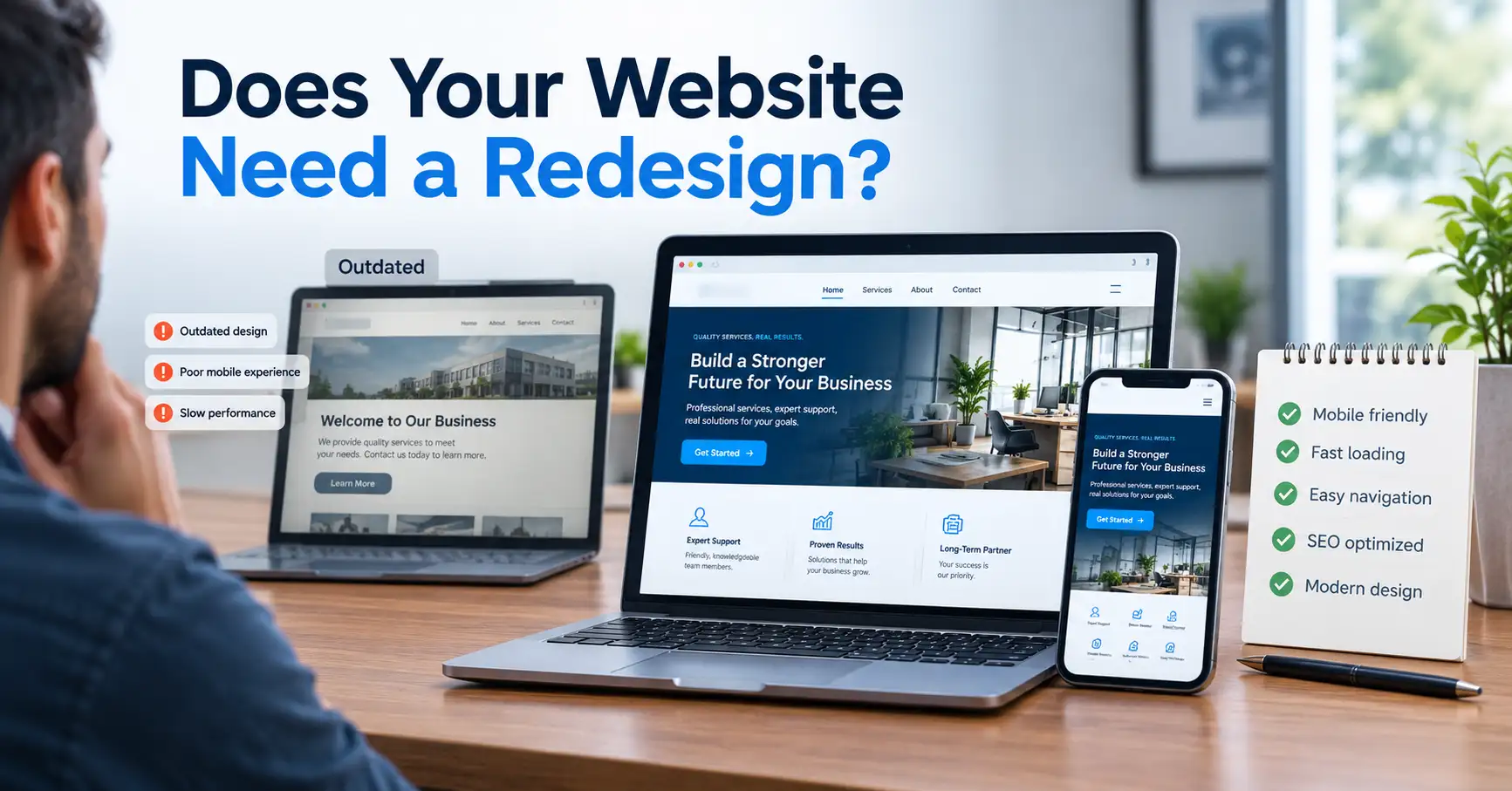
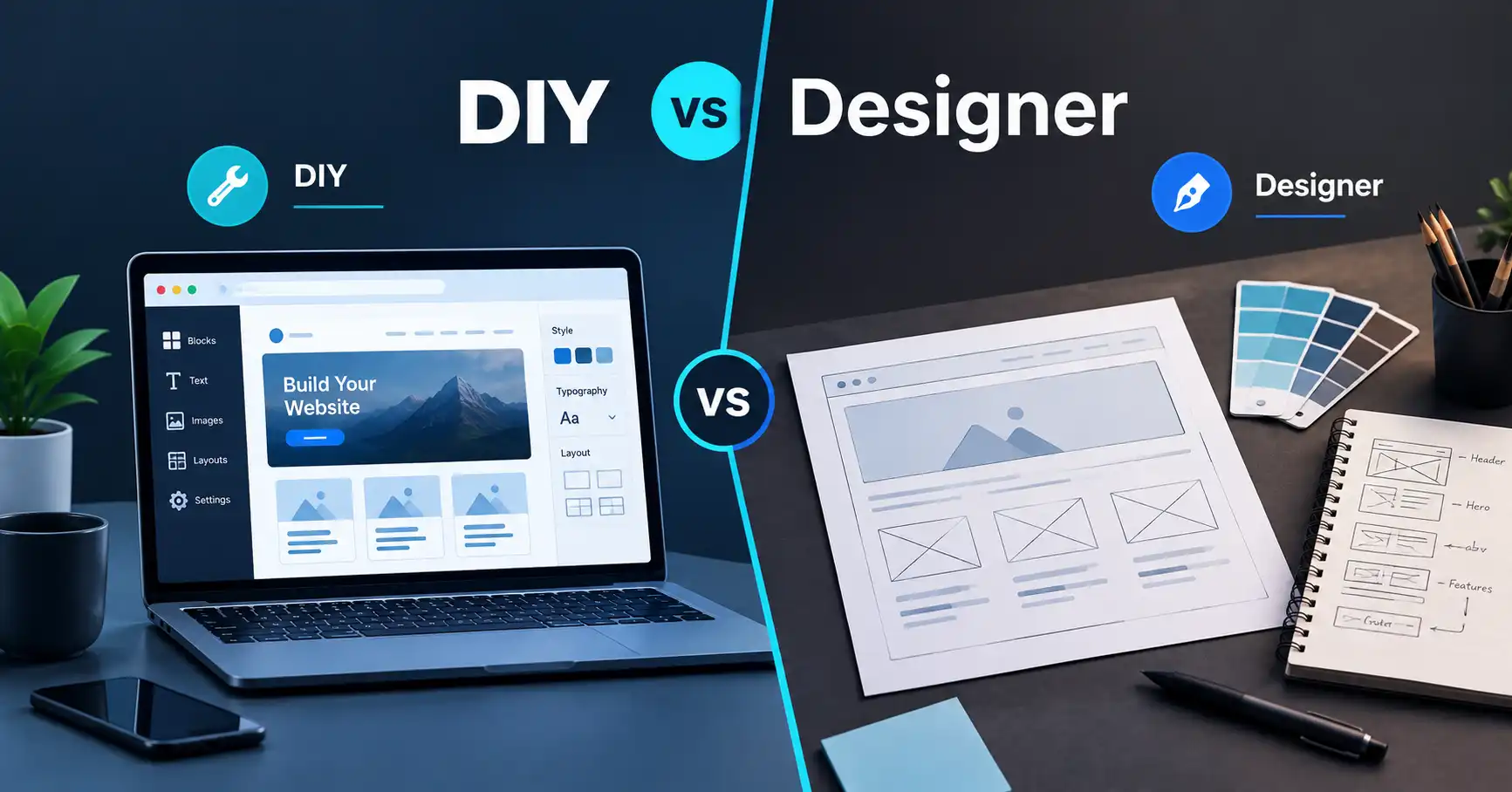
How to Build a Business Website Explained
Imagine a woman named Dana who runs a small landscaping company. For six years, her business has come entirely from referrals and a Facebook page. Last month, a potential customer told her, "I looked for you online and couldn't find a real website, so I called someone else." That stung, and it's the reason she is now typing a question into Google that you probably typed as well: how do I build a business website?
Dana is not a real client, and nothing here is a PlanYourHost case study. She is a composite, a teaching device. But her confusion will sound familiar, because nearly every first-time website owner goes through the same sequence of questions. Let's walk through them in the order she meets them, because the order matters.
First of All: What Is the Website Supposed to Do?
Dana's first instinct is to open a website builder and start picking templates. It's a natural move. It's also the most common way to build the wrong website.
A business website is not a digital brochure. It is a tool that should do a specific job. For Dana, that job is: help people in my service area find me, trust me, and request a quote. That single sentence changes everything that follows. It tells her the site needs a clear service list, proof of past work, a service area, and a quote form that actually reaches her phone.
If she were a restaurant, the job would be different: menu, hours, location, reservations. A consultant would need credibility and a booking path. A store needs a product catalog and checkout.
So the first step in building a business website is writing down, in plain language, what a visitor should do and what you want to happen next. Everyone who skips this ends up redesigning within a year.
Plan the Pages Before You Design Anything
Once Dana knows the goal, she can plan the structure. This is website planning, and it happens on paper (or in a spreadsheet) before any design tool is opened.
For most small businesses, the core pages look like this:
- Home: who you are, what you do, where, and the one action you want visitors to take.
- Services (or Products): ideally one page per major service, not one crowded page for everything.
- About: the people behind the business. Trust is built here more than owners expect.
- Contact: a form, a phone number, and an address or service area.
- Proof: reviews, project photos, or case descriptions, either on their own page or woven into others.
Why one page per service? Because search engines match pages to searches. Someone looking for "retaining wall installation" is far more likely to land on a page about retaining walls than on a general page that mentions them in passing. Visitors also make decisions faster when they find exactly the page that matches their need.
Dana sketches a sitemap with six pages. That's plenty to launch. A small, focused site that's finished beats an ambitious one that never goes live.
Why Can't I Just Use a Domain?
Here is where many first-time website owners get confused, and Dana is no exception. She has already bought a domain and assumes she's basically done.
A domain name is the human-readable address people type to reach you, such as yourbusiness.com. Think of it as the street address on a building. Web hosting is different: it is the server space where your website's files, images, and databases actually live. The address is useless without a building behind it.
There's a third piece people forget: the DNS settings, which connect the domain to the hosting. When you type an address, DNS is what tells the internet which server to visit. Most beginners never touch it directly, because a good host or registrar walks you through it, but it explains why "I bought a domain and nothing shows up" is such a common complaint.
A few practical points on each:
Choosing a domain. Short, easy to say aloud, and easy to spell is the standard. Avoid hyphens and numbers when you can, and prefer a .com if your customers are general consumers, unless a local extension makes more sense for your market. Register it in your own name or company name, and keep the login somewhere safe. Owners who let a freelancer register their domain sometimes discover later that they don't control their own address. If you're comparing registrars, Namecheap is one option for domain registration.
Choosing hosting. For a typical small business site, shared hosting is usually enough to begin with. Your site shares a server with others, which keeps the cost low, and that's fine for modest traffic. What matters more than the plan name: reliable uptime, backups you can restore, security features like SSL (the padlock that encrypts the connection), reasonable support, and room to upgrade. If you're weighing options, our overview of general shared hosting is a starting point.
What happens if you choose badly? Slow pages, outages when you're busiest, and a painful migration later. Hosting is rarely the exciting part of a website, but it quietly affects speed, security, and reliability every day.
The Big Question: How Will Dana Actually Build It?
This is the decision point. There are four legitimate paths, and none is universally right.
Path 1: Build it yourself with a drag-and-drop builder
Dana can pick a hosted website builder, choose a template, and fill it with her content. The advantages are real: low upfront cost, no technical setup, and fast results. The trade-offs are also real. You are limited to what the platform allows, moving to another platform later is often difficult, and a template doesn't know anything about your business goals. The design ends up looking like the template, and the strategy ends up being whatever you thought of at 11 p.m.
This path suits someone with time, patience, and a fairly simple site.
Path 2: Use an AI website builder
AI builders let you describe what you want in plain language and generate a working site as a starting point. They can be a fast way to get a first draft and are attractive to people who are intimidated by design. If this is the direction you're leaning, Hostinger Horizons is one AI-assisted option to look at.
"Can't an AI build the whole website?" is a fair question, and the honest answer is: it can build a website quickly. It can't decide your positioning, interview your customers, write copy that reflects how you actually work, or know which claims are true about your business. You still need to review every word, check every page on a phone, and make sure the structure supports your goal. Treat AI output as a draft that speeds up production, not as a substitute for planning.
Path 3: WordPress or another CMS
A CMS (content management system) is software that lets you manage pages and posts without editing code. WordPress is the most widely used, and it's flexible: thousands of themes and plugins let a site grow from a five-page brochure to a blog, booking system, or online store.
"Can't I just install WordPress and be finished?" Not quite. Installing WordPress is the beginning. You then choose a theme, configure plugins, set up security, manage updates, and handle backups. That flexibility is the reason people choose it, and also the reason it needs maintenance. A WordPress site that is never updated becomes a security risk over time.
If you go this way, hosting matters more, because you want a server suited to WordPress. This is where WordPress-specific hosting is worth comparing against general plans, since these often include WordPress-focused tooling and support.
Path 4: Hire a professional
Dana wonders, quite reasonably, why she'd pay someone when tools exist. This is where it helps to understand what you're actually paying a web designer and developer for. It isn't just "making it look nice."
Design and development are different jobs. Design decides how the site looks and how a visitor moves through it: layout, hierarchy, readability, where the buttons go and why. Development builds it so it works: the code, the CMS setup, forms, integrations, speed, security, and technical SEO foundations. A good professional also does something before either of those: planning, which is the work Dana just did in the first two sections, done with more experience and pattern recognition.
Hiring makes sense when you need custom functionality, integrations with other systems (booking, CRM, payments), a site where performance and search visibility genuinely matter to revenue, or simply when your time is better spent running the business. It's also sensible when a DIY attempt has already stalled.
Which Path Fits Which Business?
Rather than crowning a winner, here's a way to decide:
- If your budget is tight, your site is simple, and you have time to learn, a builder is reasonable.
- If you want a fast first draft and are comfortable editing and checking it carefully, an AI builder can help.
- If you expect to grow content over time, publish regularly, or need flexibility, WordPress is a strong fit, provided someone maintains it.
- If you need custom design, integrations, ecommerce complexity, or you'd rather not manage the technical side, hiring a professional is worth serious consideration.
A useful test: estimate how many hours you'd spend learning and building, then ask what those hours are worth to your business. Sometimes the DIY route is cheaper in cash and more expensive in time.
Design Principles That Matter More Than Trendy Visuals
Whatever path Dana chooses, a few principles hold up.
Clarity beats cleverness. A visitor should understand what you do, and for whom, within a few seconds of landing. Put the most important thing above the fold, and don't hide your phone number.
Mobile comes first. Many visitors will arrive on a phone. A "mobile-friendly" (responsive) site adapts its layout to smaller screens so text is readable and buttons are tappable. Google also evaluates the mobile version of your pages for search. Always test your site on an actual phone, not just by shrinking a desktop browser window.
Speed is part of the experience. Large uncompressed images are the most common reason small business sites load slowly. Resize and compress images before uploading, and be cautious about piling on plugins or widgets.
Trust signals do real work. Real photos, genuine reviews, clear contact details, and visible business information reassure visitors more than stock imagery and slogans. Only publish testimonials you actually have permission to use.
Accessibility isn't optional. Readable contrast, descriptive image alt text, and keyboard-friendly navigation help real people and are often a legal consideration depending on where you operate. If that applies to you, check the requirements for your region.
SEO: Think About It Before Launch, Not After
Dana assumes SEO is something you "add" after the site exists. That's backwards, and fixing it later is more work.
Search engine optimization is the practice of making your site easy for search engines to understand and useful to the people searching. Much of it is decided during planning: page structure, page titles, headings, URLs, internal links, and whether each page targets a clear topic. Local businesses should also set up a Google Business Profile and keep name, address, and phone details consistent across the web.
Before launch, make sure each page has a unique title and description, headings that reflect the page's actual content, descriptive image alt text, and clean URLs. Then connect the site to Google Search Console so you can see how it's indexed and catch problems early. Nobody can guarantee rankings, and anyone who does should make you cautious. What you can do is remove obstacles and publish genuinely helpful pages.
Common Mistakes First-Time Website Owners Make
- Designing before deciding what the site must accomplish.
- Cramming every service onto a single page.
- Skipping mobile testing.
- Writing about "we" instead of what the customer needs.
- Letting someone else own the domain or hosting account.
- Ignoring updates, backups, and security once the site is live.
- Launching without any way to measure results, such as analytics or call tracking.
- Waiting for perfection and never launching.
A Practical Launch Checklist
Before Dana clicks publish, she should be able to say yes to each of these:
- Every page has a clear purpose and a next step for the visitor.
- Contact forms work, and she has received a test submission.
- The site loads over HTTPS with a valid SSL certificate.
- Pages look right on a phone and a desktop.
- Titles, descriptions, and headings are filled in.
- Legal basics are in place where relevant, such as a privacy policy and cookie notice if you collect data or use tracking.
- Analytics and Search Console are connected.
- A backup process exists, and she knows how to restore it.
- Every login is stored securely, and she is the owner of the domain and hosting accounts.
After launch, the work continues in a lighter form: keep content current, update software, review analytics monthly, and improve the pages that matter most.
What a Professional Would Look At
If Dana handed this project to an experienced designer-developer, the conversation would probably start somewhere unexpected: not with colors, but with questions. Who are your best customers? What do they ask before buying? What do competitors say, and where could you be clearer? What systems does the site need to connect to? How will you update it? Who owns the content, and who maintains the technical side?
From those answers, a professional would map the structure, design around the conversion goal, build for speed and security, and set up the technical foundations for search before launch. They'd also plan for what happens next, since a site is a living asset and not a one-time purchase.
If you would rather have the planning, design, development, and technical setup handled professionally, this is the point where working with a web development team can make sense. You can contact PlanYourHost to talk through the scope of your project, with no obligation to hire anyone.
Your Next Step
Whichever route you choose, start the same way Dana did. Write one sentence describing what your website must do, list the pages that support it, and decide who will build and maintain it. Once those three things are clear, choosing tools becomes far easier. If you're still deciding between DIY and hiring help, sketch your sitemap and list the features you need, then compare that against your available time and budget. That exercise alone will tell you more than any template gallery.
7. FAQs
How long does it take to build a business website?
It depends on scope and who builds it. A simple site with a handful of pages can come together in days or a few weeks if your content is ready. Larger or custom projects take longer. The most common delay is waiting on text, photos, and decisions rather than technical work.
How much does it cost to build a business website?
Costs vary widely depending on the route: a DIY builder, a WordPress setup, or a professional build all price differently, and ongoing costs such as your domain, hosting, and maintenance add to the total. Check current prices with each provider rather than relying on general figures, and ask any professional for a written scope so you know what's included.
Do I need to know how to code?
No. Website builders, AI builders, and WordPress let you create a site without writing code. Coding knowledge becomes useful when you want custom features or fine control over design and performance, which is often where hiring a developer helps.
What's the difference between a domain and hosting?
A domain is your website's address. Hosting is the server space where the site's files live. You need both, and they can be bought from the same company or from different ones.
Is WordPress good for a small business website?
Often yes, especially if you plan to add content over time or need flexibility. It does require ongoing updates, backups, and security attention, so decide who will handle that.
When should I hire a web designer or developer instead of building it myself?
Consider hiring when you need custom design or functionality, integrations with other business systems, stronger performance and SEO foundations, or when you simply don't have the time to do it well. Also consider it if a previous DIY attempt has stalled.
Share this article 👇