Web hosting costs vary widely depending on the type of hosting, the provider, the billing term, and whether you're paying introductory or renewal rates. Most beginners can expect to pay somewhere between a few dollars and thirty dollars per month for shared hosting, while VPS, cloud, and dedicated hosting cost significantly more. The key isn't finding the cheapest plan—it's understanding what you're actually paying for and what the real cost will be after the promotional period ends.
This guide explains the factors that drive hosting costs, what different hosting types typically cost, and how to avoid overpaying or under-buying.
Why Web Hosting Prices Vary So Much
Hosting isn't a commodity. Two plans that look similar on paper can differ dramatically in price because of what's behind them. Understanding these variables helps you evaluate whether a plan is genuinely good value or just cheap.
Introductory vs. Renewal Pricing
The single biggest factor in hosting cost confusion is the gap between introductory and renewal rates. Hosting companies discount the first term heavily to attract new customers. A shared hosting plan might have an introductory rate that's a fraction of its standard price. When your initial term ends—usually after one, two, or three years—the price jumps to the renewal rate.
This isn't a scam. It's the industry's standard pricing model. But you need to know about it before signing up. The renewal rate is the price you'll actually live with long-term. If the renewal rate is outside your budget, the low introductory price is misleading.
Before committing to any plan, find the renewal pricing. Most providers list it on their pricing pages, though sometimes in smaller print. If you can't find it, contact support and ask directly.
Billing Term Length
Hosting providers offer the lowest monthly price when you prepay for longer periods—typically one, two, or three years. Month-to-month billing is available with most providers, but the per-month cost is higher.
Here's the trade-off: longer terms lock in the lower rate, but you're committing to a provider before you've experienced their service. Shorter terms cost more per month but give you flexibility to leave if you're unhappy.
For your first hosting purchase, consider starting with a one-year term. It's long enough to get a reasonable rate but short enough that you aren't stuck if the provider disappoints.
Hosting Type
The type of hosting you choose is the biggest driver of cost. Shared hosting is the most affordable because resources are divided among many websites. VPS hosting costs more because you get dedicated resources. Dedicated hosting costs the most because an entire physical server is yours alone.
Here's how different hosting types generally compare:
| Hosting Type | Relative Cost | What You're Paying For | Best Suited For |
|---|---|---|---|
| Shared Hosting | Lowest | Space on a server shared with many other sites | New sites, small blogs, simple business pages |
| Managed WordPress | Low to moderate | WordPress-optimized environment with maintenance included | WordPress users who want convenience |
| VPS Hosting | Moderate to high | Dedicated resources in a virtualized environment | Growing sites, e-commerce, multiple websites |
| Cloud Hosting | Variable, usage-based | Distributed resources that scale on demand | Growing businesses, variable traffic sites |
| Dedicated Hosting | Highest | An entire physical server exclusively for you | High-traffic sites, large applications |
The right choice depends on where your site is today and where it's heading. Starting with shared hosting is rarely a mistake for a new site. You can upgrade as your traffic and needs grow.
What Shared Hosting Actually Costs
Shared hosting is where most websites start, and it's the most affordable option. Understanding what you get for the price helps you evaluate plans.
Entry-level shared hosting plans typically include:
- Hosting for one website
- A free SSL certificate
- Limited storage (often 10–50 GB)
- Basic email accounts
- Standard support
The introductory price often looks extremely attractive, but remember: renewal rates are higher. Some providers also charge extra for features that others include free—domain privacy, backups, or email hosting.
For a new website, comparing current shared hosting plans gives you a real picture of today's market. Providers like Hostinger and Namecheap are known for competitive entry-level pricing, though you should verify current rates and renewal terms before deciding.
What Managed WordPress Hosting Costs
Managed WordPress hosting is a specialized service where the provider handles technical maintenance—updates, security, backups, and performance optimization. It costs more than basic shared hosting because you're paying for convenience and expertise.
The premium varies by provider. Some managed WordPress plans are only slightly more expensive than shared hosting. Others command a significant premium, especially those targeting high-traffic or business-critical sites.
What you're paying for: WordPress-specific server configuration, automatic updates, enhanced security, WordPress-knowledgeable support, and often better performance than generic shared hosting.
Who should consider it: WordPress site owners who don't want to deal with technical maintenance, businesses where downtime is costly, and anyone who values peace of mind over the lowest possible price.
If WordPress is your platform, reviewing managed WordPress hosting options helps you understand whether the premium is worth it for your situation.
What VPS Hosting Costs
VPS hosting represents a significant step up in both price and capability. You're paying for dedicated resources—guaranteed CPU, RAM, and storage that other accounts can't touch.
VPS pricing varies more than shared hosting because plans range from modest configurations suitable for a single growing site to powerful setups that can handle enterprise workloads. Entry-level VPS plans often cost several times what shared hosting costs, while high-end configurations can approach dedicated server pricing.
What you're paying for:
- Guaranteed resources rather than shared allocations
- More control over your hosting environment
- The ability to host multiple websites comfortably
- Better performance under load
- Often, root access and custom configurations
When VPS makes sense: Your site has outgrown shared hosting, you need consistent performance, you're running an online store, or you manage multiple websites. Checking current VPS options gives you a sense of what the upgrade costs today.
Hidden Costs That Catch Beginners Off Guard
The sticker price isn't always the total cost. Several additional expenses commonly surprise first-time hosting customers.
Domain Registration and Renewal
Many hosting plans include a free domain for the first year. That's genuinely useful, but domain renewal is a separate cost. When the free year ends, you'll pay the standard domain renewal rate, which varies by extension and registrar.
Budget for domain renewal separately from hosting renewal. It's easy to forget, and domains typically auto-renew.
Domain Privacy Protection
When you register a domain, your contact information is publicly available through WHOIS lookup. Domain privacy protection hides that information. Some providers include it free. Others charge an annual fee. It's worth having, but check whether it's included before paying extra.
Backup Services
Some hosts include automated backups free. Others charge extra or require you to handle backups yourself. If backups aren't included, you'll need a backup plugin or third-party service, which adds cost. Never skip backups—the cost of losing your site far exceeds the cost of preventing it.
Email Hosting
Many hosting plans include basic email. But some budget plans don't, or limit email to a handful of accounts. If you need professional email for your domain, check what's included. Third-party email services add cost if your host doesn't provide it.
Add-on Security Features
SSL certificates are now standard and usually free. But other security features—malware scanning, firewalls, DDoS protection—may be add-ons. Some providers bundle them; others charge separately. Understand what's included before signing up.
Migration Fees
If you're moving an existing site to a new host, some providers charge for migration. Others include free migration for new customers. If you're switching hosts, confirm the migration policy before committing.
How to Calculate the Real Cost of Hosting
Instead of focusing on the advertised monthly price, calculate what you'll actually pay over a realistic period. Here's a practical approach:
- Find the renewal rate. This is the price you'll pay after the introductory term.
- Add domain costs. If the domain is free for the first year, check the renewal rate.
- Add add-ons you need. Backups, privacy protection, email, or security features.
- Calculate the annual total. Multiply the monthly rate by 12 and add the extras.
- Compare plans on total cost, not introductory price.
This approach prevents the common mistake of choosing a plan based on a low introductory rate only to discover the real cost is much higher after year one.
Can You Host a Website for Free?
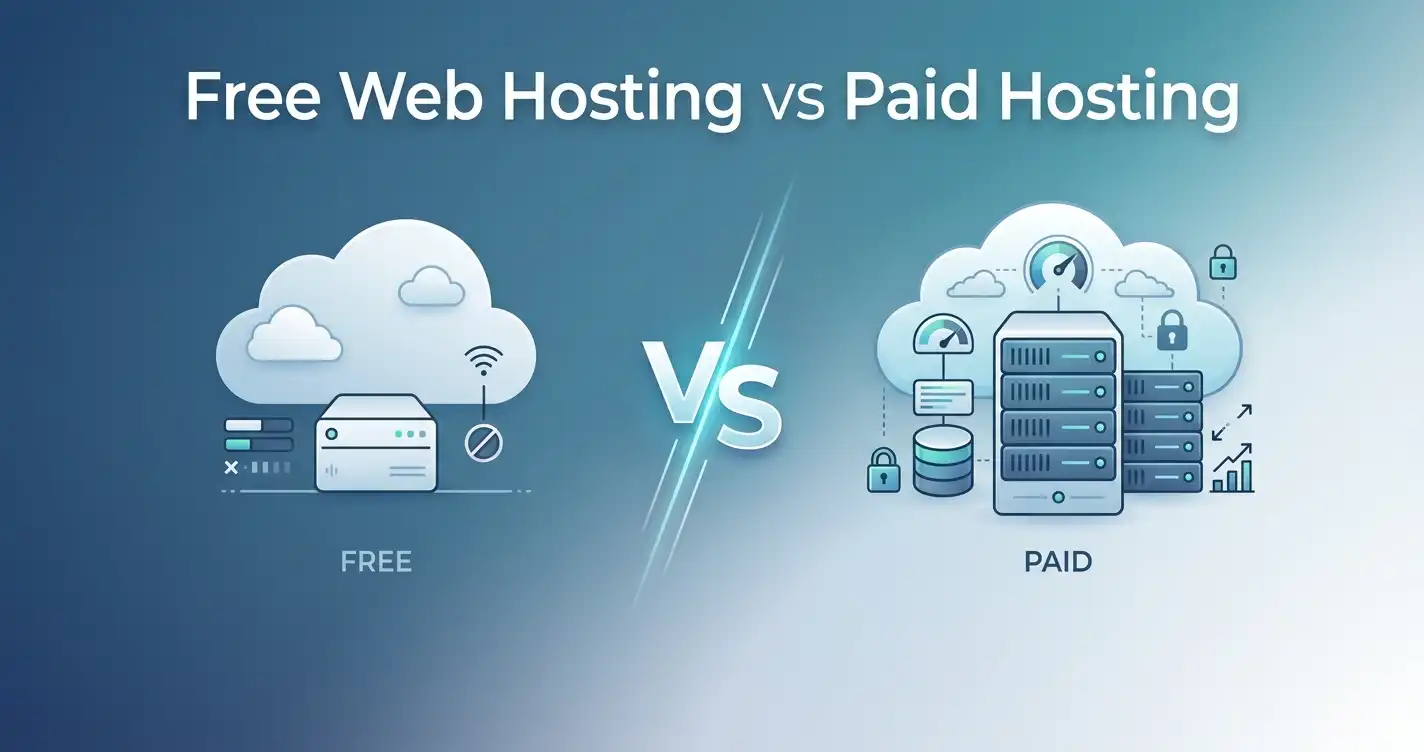
Free hosting exists, but it's rarely worth the compromises. Free hosts typically display ads on your site, provide minimal resources, offer unreliable uptime, and provide limited or no support. Some suspend sites that exceed modest usage limits. You also usually can't use your own domain name without paying.
For a hobby project where you don't care about professionalism, performance, or reliability, free hosting can work. For anything you're serious about—a business site, a blog you want to grow, an online store—paid hosting is a small investment that pays for itself in credibility and stability.
What Budget Should You Plan For?
Rather than chasing the absolute lowest price, think about what your website actually needs and budget accordingly.
If you're launching a personal blog or simple portfolio: Entry-level shared hosting is sufficient. Budget for the renewal rate, not just the introductory price. The total annual cost should be modest.
If you're building a small business website: Shared hosting or entry-level managed WordPress hosting works. You might pay slightly more for better support and reliability, which is worth it when your website represents your business.
If you're running an online store: You need hosting that can handle transactions securely and perform well under load. Budget for managed WordPress or VPS hosting. The cost is higher, but downtime or slow performance costs you sales.
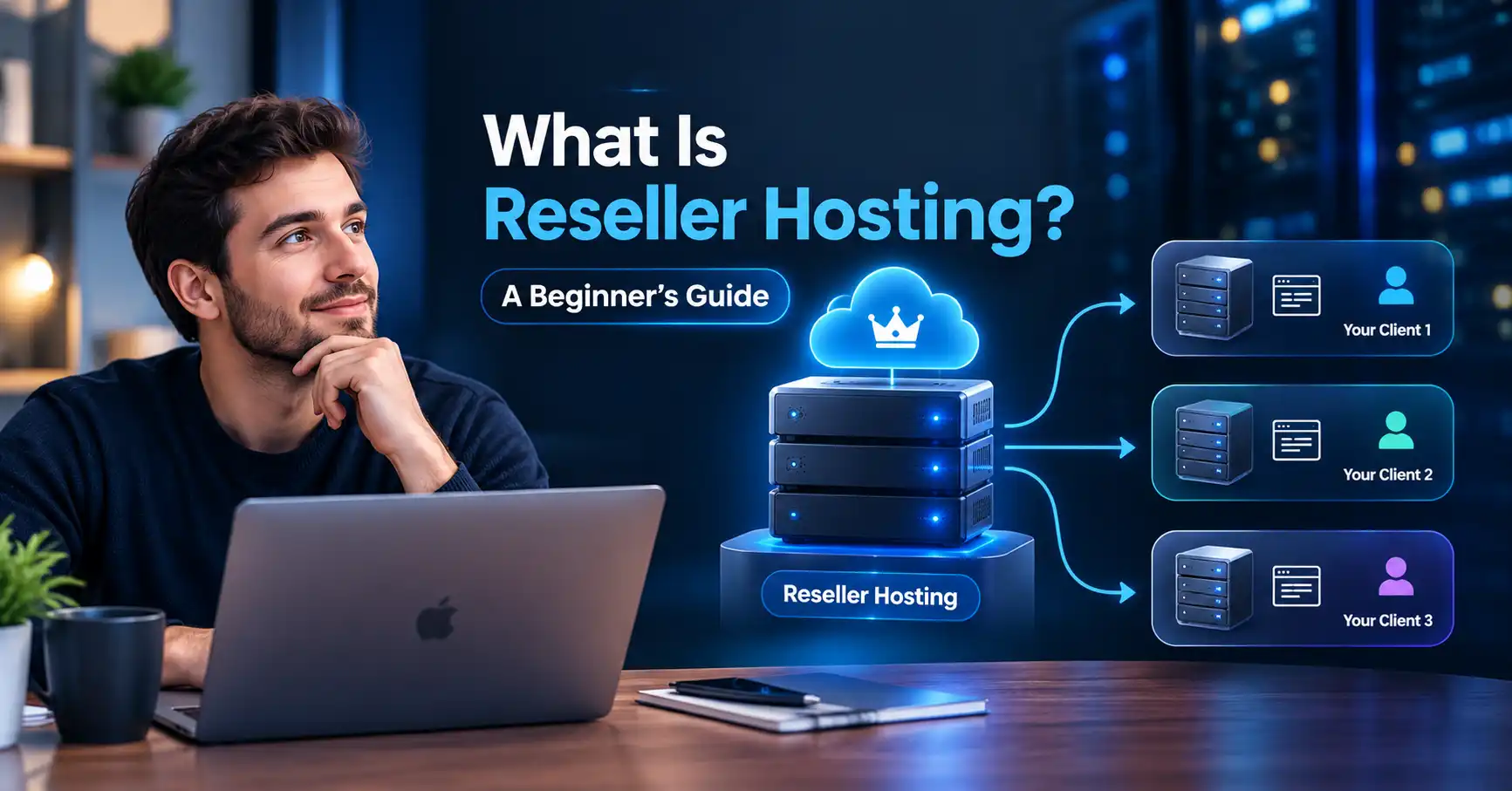
If you're managing multiple client sites: VPS or reseller hosting makes sense. The ability to isolate each site and allocate resources appropriately justifies the higher cost.
If your site has outgrown shared hosting: You're already seeing slow load times or resource warnings. VPS is the next step. The cost increase is justified by the performance improvement.
Comparing Hosting Providers on Value, Not Just Price
The cheapest plan is rarely the best value. A plan that costs slightly more but includes backups, better support, stronger security, and more reliable performance is often the smarter purchase. Conversely, an expensive plan with features you don't need is wasteful.
Here's what to evaluate beyond the price:
Support quality: When your site goes down at midnight, responsive, knowledgeable support is worth paying for. Read reviews from current customers rather than relying on marketing claims.
Included features: A plan that bundles SSL, backups, email, and security costs more upfront but may be cheaper than paying for those features separately elsewhere.
Resource limits: Check the fine print on CPU, RAM, and inode limits. Plans that advertise "unlimited" often have hidden restrictions that affect performance.
Upgrade path: Choose a provider that makes upgrading easy. When your site grows, you want a smooth transition to a more powerful plan.
Refund policy: Many providers offer money-back guarantees—often 30 days. This gives you a risk-free trial period to evaluate the service.
For a range of options worth comparing, providers like Bluehost, DreamHost, and GreenGeeks each bring different strengths. The right choice depends on your priorities and budget.
When Cheap Hosting Costs You More
There's a difference between affordable hosting and cheap hosting. Affordable hosting provides good value—reasonable performance, reliable uptime, and decent support at a fair price. Cheap hosting cuts corners that end up costing you later.
Here's how cheap hosting becomes expensive:
Slow performance: A slow website frustrates visitors and hurts search rankings. If you lose even a small percentage of visitors or ranking positions, the "savings" from cheap hosting evaporate.
Downtime: Every hour your site is down is an hour you can't serve customers, make sales, or build your audience. For a business site, downtime directly costs money.
Poor support: When something breaks, you need help. Spending hours troubleshooting on your own—or waiting days for a ticket response—wastes time you could spend on your actual work.
Missing features: If you need to add backups, security, or email separately, the total cost of a "cheap" plan often exceeds a more comprehensive plan from a better provider.
Hidden limits: Plans with restrictive resource limits may force you to upgrade sooner than expected, increasing your long-term costs.
This doesn't mean you should overpay for hosting you don't need. It means you should evaluate total value rather than price alone.
Common Questions About Web Hosting Costs
Why is web hosting so cheap?
Shared hosting is cheap because resources are divided among many websites on the same server. Providers can offer low prices because the cost of each server is spread across hundreds or thousands of customers. The trade-off is shared performance and limited resources. VPS, cloud, and dedicated hosting cost more because you're paying for guaranteed resources.
How much should a small business pay for hosting?
A small business website typically does well on shared hosting or managed WordPress hosting. The annual cost will be modest, though you should budget for renewal rates and add-ons like domain renewal and backups. The right budget depends on what your website does—an informational site needs less than an online store processing transactions.
Is it cheaper to pay monthly or annually?
Annually is cheaper per month. Providers discount longer billing terms significantly. The trade-off is commitment—you're paying upfront for a service you haven't fully experienced. For most beginners, a one-year term balances savings with flexibility.
What happens when my hosting plan renews?
When your initial term ends, your plan renews at the standard renewal rate, which is usually higher than the introductory rate. This is the industry's standard pricing model. Before signing up, check the renewal rate so you aren't surprised when the price increases.
Can I negotiate hosting prices?
Some providers offer discounts if you ask, especially for longer terms or multiple services. Others won't budge. If you're considering a renewal and the price has increased significantly, contact support and ask about available discounts or promotions. The worst they can say is no.
Do I need to pay for website security separately?
Basic security features like SSL certificates are now standard and included free with most plans. More advanced features—malware scanning, firewalls, DDoS protection—may be add-ons. Check what your plan includes. For most small websites, the security features included with a quality hosting plan are sufficient, but don't skip backups.
Making Your Hosting Budget Decision
Web hosting costs are manageable when you understand what you're paying for. The key is looking beyond the advertised price to the total cost: renewal rates, add-ons, and the features you actually need.
Start by identifying your website's requirements. A simple blog needs less than an online store. Then compare plans on total value rather than introductory price alone. Check renewal rates, included features, support quality, and the upgrade path.
Before comparing prices, make sure you understand what web hosting is and how it differs from a domain, since domain renewal costs are often bundled in confusingly. For budget options, see our Hostinger pricing plans and current Hostinger discount. For business or store use cases specifically, our best hosting for small business and best hosting for e-commerce guides break down realistic monthly costs. See the full field compared in best web hosting 2026.
Your hosting budget is an investment in your website's reliability and performance. Spend wisely—enough to get quality service, but not so much that you're paying for resources you don't need. The right balance gives your website a solid foundation without breaking the bank.
Share this article 👇