A business website can remain online for years without technically being “broken.” That does not necessarily mean it is still doing its job well.
Design trends change, customers increasingly browse on mobile devices, business services evolve, and technologies behind websites need maintenance. A website that worked reasonably well several years ago may now be difficult to use, slow, hard to maintain, or simply disconnected from what the business offers today.
So when should a business redesign its website?
The answer is not simply “when it looks old.” A redesign becomes worth considering when the website starts creating a meaningful problem for visitors or the business itself.
Here are nine signs to look for.
1. Your Website Looks Obviously Outdated
Visual age is one of the easiest signs to notice.
An older website may have an inconsistent layout, outdated typography, excessive visual effects, tiny text, crowded navigation, large blocks of content, or a design that no longer reflects the quality of the business.
This matters because visitors often form an opinion about a business before reading every page.
For example, imagine a professional service company whose physical office, branding, photography, and customer experience have all been updated, but its website still looks like it was built many years ago. The mismatch can make the business appear less current than it actually is.
However, an older-looking design alone does not automatically mean you need a complete rebuild.
If the website is technically sound and users can easily find information, a visual refresh may be enough. A redesign becomes more compelling when outdated appearance is combined with usability, performance, mobile, content, or conversion problems.
If you are starting from scratch rather than redesigning an existing site, our guide to building a business website covers the broader planning process from choosing an approach through launch.
2. The Website Is Difficult to Use on Mobile
A business website should not be designed only around a desktop monitor.
If visitors have to zoom, scroll sideways, tap tiny buttons, or fight with menus on a phone, the website has a usability problem.
This is particularly important for businesses where potential customers may discover the company while away from a desktop computer.
Common warning signs include:
- Text that is difficult to read on smaller screens
- Buttons that are too small or too close together
- Navigation that does not work properly on mobile
- Images extending beyond the screen
- Forms that are difficult to complete
- Important information being hidden or difficult to reach
- Layouts that become awkward at different screen sizes
A responsive website adjusts its layout to different screen sizes. That does not mean simply making everything smaller. Navigation, spacing, images, forms, typography, and interactive elements all need to remain usable.
If your existing website technically fits on a phone but still feels frustrating to use, it may need more than a minor CSS adjustment.
3. Your Website Is Slow
A visually attractive website is not particularly useful if visitors have to wait for it.
Slow performance can come from many sources, including oversized images, inefficient code, excessive third-party scripts, poor hosting configuration, unnecessary plugins, unoptimized fonts, or an outdated technical setup.
Before deciding on a complete redesign, identify what is actually causing the slowdown.
For example, replacing large images or removing unnecessary scripts might solve a performance problem without rebuilding the entire website.
On the other hand, if performance problems are connected to the site's underlying structure, outdated components, or an inefficient implementation, a redesign may provide an opportunity to address those issues properly.
A useful distinction is this:
A slow website does not automatically need a redesign. A website with structural performance problems may.
4. Visitors Cannot Quickly Find What They Need
A website can contain excellent information and still fail if visitors cannot find it.
Look at your navigation from the perspective of someone who has never visited the site.
Can they quickly answer:
- What does this business do?
- Who does it serve?
- What services or products are available?
- Where can they learn more?
- How can they contact the business?
- What should they do next?
If the answers are buried across several confusing menus, the information architecture may need attention.
Information architecture simply refers to how information and pages are organized on a website.
A redesign is an opportunity to rethink the structure rather than simply changing colors and fonts.
For example, instead of placing every possible page in the main navigation, you might organize the site around the questions customers actually have: services, industries served, pricing information, about the company, resources, and contact options.
5. Your Business Has Changed, but Your Website Has Not
This is one of the strongest reasons to consider a redesign.
Businesses evolve.
You may have:
- Added new services
- Stopped offering old services
- Changed your target market
- Expanded into new locations
- Changed your branding
- Added online booking or ecommerce
- Started targeting a different type of customer
- Changed your business model
If the website still describes the business as it existed several years ago, visitors may receive the wrong message.
Suppose a company originally offered three basic services but now specializes in a much broader set of solutions. Simply adding another paragraph to an old services page may not be enough.
The website's structure, messaging, navigation, calls to action, and page hierarchy may all need to change.
A redesign should therefore begin with the business itself, not with a request such as “make the homepage look more modern.”
6. Your Website Generates Traffic but Few Useful Enquiries
Traffic alone does not tell you whether a business website is performing well.
A website might receive visitors but generate very few enquiries, calls, bookings, quote requests, or purchases.
That can indicate a problem with the journey from visitor to action.
Consider whether visitors can easily understand:
What you offer → Why it matters → Why they should trust you → What they should do next.
A website redesign can improve this journey through clearer page structure, stronger calls to action, better service pages, simpler forms, improved navigation, and more useful content.
But be careful not to assume that poor conversions always mean the design is the problem.
Conversion performance can also be affected by pricing, the quality of incoming traffic, the offer itself, competition, unclear positioning, or weak sales processes.
Before redesigning, identify the actual problem whenever possible.
7. Your Website Is Difficult to Maintain
Another common warning sign is a website that nobody wants to touch because every small change feels risky.
Perhaps updating a phone number requires a developer. Maybe adding a new service breaks the layout. Perhaps several plugins or components are outdated. Or the original developer is no longer available and nobody understands how the site was built.
A business website should be maintainable.
Maintenance includes more than changing text. It can involve software updates, backups, security checks, content changes, performance improvements, broken-link checks, form testing, and technical troubleshooting.
If the site's structure makes ordinary maintenance unnecessarily difficult, a redesign can be an opportunity to create a cleaner foundation.
For WordPress websites, this can also mean reviewing the theme, plugins, templates, page-builder setup, hosting environment, and custom code rather than simply installing another redesign theme on top of an already complicated system.
8. Your Website Has Technical or SEO Problems
A redesign can also become necessary when the technical foundation is holding the website back.
Potential warning signs include:
- Broken links or important pages
- Poorly structured navigation
- Duplicate or outdated pages
- Missing or inconsistent metadata
- Poor mobile implementation
- Technical performance issues
- Incorrect redirects
- Difficult-to-manage page templates
- Accessibility problems
- Content that is difficult for search engines and visitors to understand
SEO should not be treated as a reason to redesign every website.
If a site has good architecture, useful content, solid performance, and manageable technical foundations, you may be able to improve its search visibility without rebuilding it.
But if technical problems are deeply connected to the site's structure, a redesign can be a practical way to fix the underlying issues.
The important point is to diagnose first and redesign second.
9. Your Website No Longer Supports Your Business Goals
This is perhaps the most important sign.
A website should have a job.
For one business, that job may be generating enquiries. For another, it may be selling products, booking appointments, attracting local customers, demonstrating professional expertise, or supporting an existing sales process.
Ask yourself:
What do I need this website to accomplish for the business?
Then ask:
Does the current website make that easier or harder?
If the website was built years ago without a clear strategy, it may contain attractive pages without effectively supporting today's business goals.
That does not necessarily mean everything needs to be replaced. It means the redesign should start with business objectives.
Does Every Old Website Need a Complete Redesign?
No.
This is an important distinction.
Sometimes the right solution is a complete redesign. Sometimes it is a targeted improvement.
A website might need only:
- A new homepage
- Better mobile styling
- Image optimization
- Navigation improvements
- Updated service pages
- New calls to action
- Technical SEO fixes
- Accessibility improvements
- Security and software updates
- Content restructuring
A full redesign makes more sense when several problems are connected.
For example, if the design is outdated, the mobile experience is poor, the navigation is confusing, the business has changed significantly, and the underlying code is difficult to maintain, fixing each problem individually may become less practical than rebuilding the site around a better structure.
Redesign vs. Refresh: Which Do You Need?
A website refresh generally means improving an existing foundation.
You might keep the same basic structure while updating:
- Colors
- Typography
- Images
- Content
- Spacing
- Buttons
- Individual sections
- Selected templates
A website redesign usually goes deeper.
It may involve reconsidering:
- Site architecture
- Navigation
- Page structure
- User experience
- Visual design
- Responsive behavior
- Content organization
- Conversion paths
- Technical implementation
- CMS or development approach
There is no universal rule that says a website must be rebuilt after a certain number of years.
The better question is whether the existing foundation can support what the business needs now.
What Should You Check Before Starting a Redesign?
Before hiring a designer or rebuilding the website yourself, make a short inventory of the current site.
1. Business goals
Write down what the website should accomplish.
2. Important pages
Identify the pages that receive traffic, generate enquiries, rank in search, or support customers.
3. Existing content
Do not automatically delete everything.
Some existing pages may contain useful information or search visibility that should be preserved or improved.
4. Technical setup
Document the CMS, hosting, plugins, integrations, forms, analytics, tracking, and other important components.
5. Search visibility
Identify important URLs and organic search traffic before changing the site's structure.
6. Mobile experience
Test important pages on multiple screen sizes.
7. Performance
Find out whether the main performance problems come from images, scripts, hosting, plugins, code, or another source.
8. Conversion paths
Identify how a visitor becomes a lead, customer, booking, subscriber, or other desired outcome.
This preparation reduces the risk of treating a redesign as nothing more than a visual project.
How Should a Small Business Approach a Website Redesign?
There are several legitimate approaches.
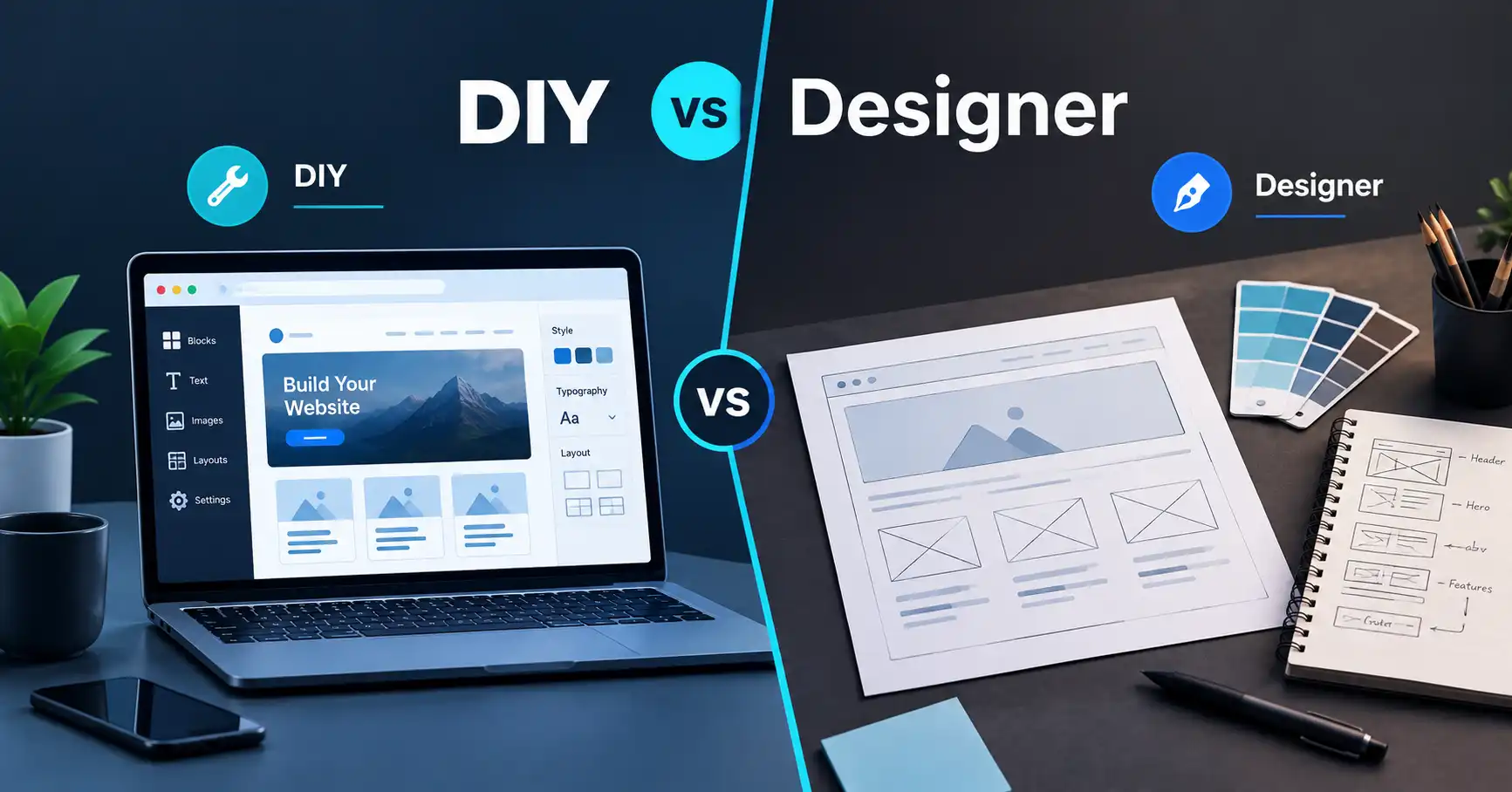
DIY redesign
A business owner with enough time and technical confidence may be able to redesign a relatively simple website themselves.
This can make sense when the website is small and the business owner wants maximum control.
The tradeoff is time. The owner becomes responsible for planning, design, content, implementation, testing, and maintenance.
AI website builder
AI-assisted website builders can be useful when the goal is to create or restructure a relatively straightforward website without doing extensive coding.
They can be particularly useful for someone who wants a faster starting point and is comfortable working within the builder's capabilities.
However, complex functionality, custom integrations, detailed technical requirements, or unusual business workflows may require more control.
WordPress or another CMS
A CMS can be useful when a business expects to publish content regularly, manage multiple pages, use an established plugin ecosystem, or have several people working on the website.
The right setup depends on the project rather than the popularity of a particular platform.
Professional web development
Professional help can make sense when the website is important to the business and the redesign involves strategy, custom design, development, integrations, performance work, technical SEO foundations, or ongoing maintenance.
If you choose this route, look for someone who can explain why specific changes are needed rather than simply promising a more modern-looking website.
For a broader look at the planning process, the business website guide can help you think through the project before implementation.
A Practical Small Business Website Redesign Checklist
Before starting, ask these questions:
- Does the website clearly explain what the business does?
- Is the target customer obvious?
- Does the design accurately represent the business today?
- Is the website easy to use on phones?
- Can visitors find important information quickly?
- Are the main services or products clearly presented?
- Are calls to action easy to understand?
- Are forms working correctly?
- Are important pages still relevant?
- Is the website reasonably fast?
- Are there broken links or technical problems?
- Is the website easy to maintain?
- Are important SEO elements preserved during the redesign?
- Does the site support the business's current goals?
You do not need nine “yes” answers before taking action.
Instead, look for patterns.
If several important areas are failing at the same time, the case for a redesign becomes much stronger.
What an Experienced Web Professional Looks At
A professional redesign should go beyond choosing a new color palette.
The first stage should involve understanding the business, audience, existing website, content, technical setup, and goals.
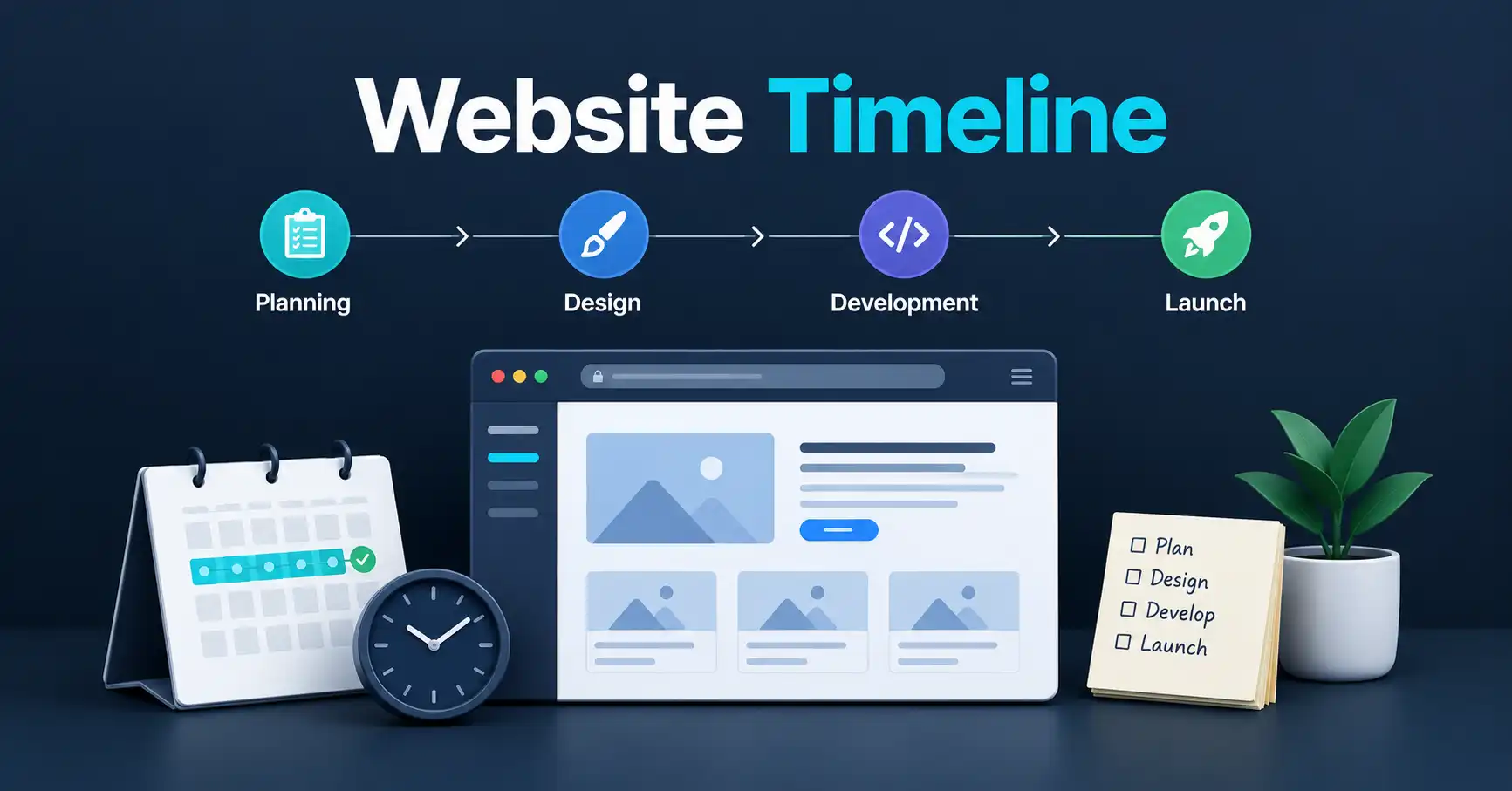
Then the work can move into information architecture, user experience, visual design, responsive layouts, development, content implementation, technical SEO, testing, and launch planning.
A good redesign also considers what happens after launch.
Someone needs to maintain the website, update its content, monitor technical issues, keep software current where applicable, and make improvements as the business changes.
That is why a successful redesign is better viewed as a website improvement project rather than a cosmetic makeover.
If you would rather have the planning, design, development, and technical setup handled professionally, you can contact PlanYourHost to discuss the project and determine what approach fits the website's actual needs.
Final Takeaway
The strongest sign that your business needs a website redesign is not simply that the website looks old.
It is that the website is no longer doing its job effectively.
If it is difficult to use on mobile, slow, confusing, hard to maintain, disconnected from the current business, technically problematic, or ineffective at guiding visitors toward useful actions, it is worth investigating a redesign.
But do not rebuild a website simply because a newer design looks better.
First identify what is actually wrong. Some websites need a complete rebuild. Others need better content, improved mobile layouts, technical fixes, performance work, or a more focused user journey.
The goal of a redesign should be simple: make the website more useful for the people visiting it and more valuable to the business operating it.
Frequently Asked Questions
How often should a small business redesign its website?
There is no fixed redesign schedule that applies to every business. A website should be reviewed based on its performance, usability, technical condition, business goals, and ability to support current customers.
What is the biggest sign that a business website needs a redesign?
A combination of problems is usually more significant than one isolated issue. An outdated design combined with poor mobile usability, confusing navigation, technical problems, and weak business alignment is a strong reason to evaluate a redesign.
Is it better to redesign a website or start over?
It depends on the existing foundation. If the structure, content, and technical implementation are still useful, improving the existing website may be more efficient. If several foundational problems are interconnected, rebuilding may make more sense.
Can a website redesign improve SEO?
A redesign can create opportunities to improve technical structure, mobile usability, performance, content organization, and other SEO-related factors. However, redesigning a website does not automatically improve rankings. Poorly planned migrations can also create SEO problems, so important URLs, redirects, content, and technical elements should be handled carefully.
Should I redesign my website if it still gets traffic?
Not necessarily. Traffic is only one measurement. Look at what visitors do after arriving. If the website attracts relevant visitors but has usability, conversion, content, or technical problems, targeted improvements or a redesign may be worthwhile.
Can I redesign my business website myself?
Yes, particularly if the website is relatively simple and you have the time to learn and manage the work. DIY, AI-assisted builders, CMS platforms, and professional development all have legitimate uses. The right option depends on the complexity of the website and how much technical responsibility you want to handle.
Share this article 👇