How Long Does It Take to Build a Small Business Website?
A small business website usually takes two to eight weeks to build. A simple five-page brochure site can often be planned, designed, built, and launched in two to four weeks if content is ready and decisions are made quickly. A more customized site with advanced functionality, ecommerce, or complex integrations commonly takes six to twelve weeks or longer.
That range is wide because "building a website" is not one task. It is a sequence of decisions, content creation, design, development, testing, and setup. The timeline depends less on the number of pages and more on how prepared you are, how many people need to approve things, and how much custom work the site requires.
This article breaks down where the time actually goes, what you can realistically expect from different approaches, and what tends to delay a project.
If you are still working out the overall plan rather than just the schedule, our guide to how to build a business website covers the full process from initial planning through launch and maintenance.
The short answer by website type
| Website type | Typical timeline | Main time factors |
|---|---|---|
| Simple 5-page brochure site | 2–4 weeks | Content readiness, revisions |
| Small business site with blog and basic SEO | 4–8 weeks | Page count, SEO setup, content |
| Custom-designed site with integrations | 6–12 weeks | Design complexity, development |
| Ecommerce store | 8–16 weeks | Products, payments, shipping, testing |
| Website redesign of an existing site | 4–10 weeks | Migration, redirects, existing content |
These are realistic ranges, not guarantees. A project can move faster when the client supplies content and feedback promptly. It can take longer when decisions are delayed or scope expands.
Why the timeline is not just about page count
A common assumption is that a five-page website should take one-fifth as long as a twenty-five-page website. That is not how it works.
The first few pages carry most of the foundational work: strategy, structure, design system, hosting setup, and technical configuration. Once those are in place, additional pages often move faster because the template and styling already exist.
A five-page site still needs:
- Domain and hosting setup
- WordPress or platform installation
- Theme or custom design
- Navigation and page structure
- Mobile responsiveness
- Basic SEO configuration
- Contact forms and spam protection
- Testing and launch
That foundation takes time regardless of how many pages sit on top of it. This is why "how long does a 5 page website take" usually lands in the same range as a slightly larger brochure site.
Where the time actually goes
1. Planning and discovery: 3–7 days
Before design starts, someone has to decide what the website is for. That includes:
- Identifying the primary goal (leads, sales, bookings, information)
- Deciding which pages are needed
- Mapping the navigation
- Choosing a platform
- Confirming domain and hosting
- Gathering brand assets and content
Planning is often skipped or rushed. When it is, the project usually pays for it later with rework. A clear plan reduces revisions and prevents the "we forgot a page" problem halfway through development.
If you are unsure what your site actually needs, our small business website checklist walks through the essential elements before you start building.
2. Content creation: 1–3 weeks (often the biggest delay)
Content is the most common cause of delays. This includes:
- Page copy
- Headlines
- Service descriptions
- About page
- Images and logos
- Testimonials
- Contact details
- Legal pages
Website projects often stall while waiting for text and images. Designers can build layouts with placeholder content, but the site cannot launch properly until real content is in place.
If you want to shorten the timeline, prepare your content early. Even rough drafts help. Professional copywriting can also be part of the project, but it adds time and cost.
Our guide to what a small business website needs explains the content and structure decisions that need to happen before development.
3. Design: 1–3 weeks
Design includes:
- Wireframes or layout planning
- Visual style and branding
- Homepage design
- Inner page templates
- Mobile and tablet layouts
- Revisions
A simple site using a well-built theme can move quickly. A fully custom design takes longer because every layout decision is made from scratch.
Revisions are normal. Most projects include one or two rounds. If feedback comes from multiple stakeholders, add time for consolidation and approval.
4. Development and build: 1–4 weeks
This is where the design becomes a working website. Depending on the approach, development includes:
- Theme setup or custom theme development
- Page building
- Plugin or integration configuration
- Contact forms and email setup
- SEO foundations
- Performance optimization
- Security configuration
- Cross-browser testing
For WordPress sites, much of this is configuration rather than coding. For custom builds, development time increases significantly.
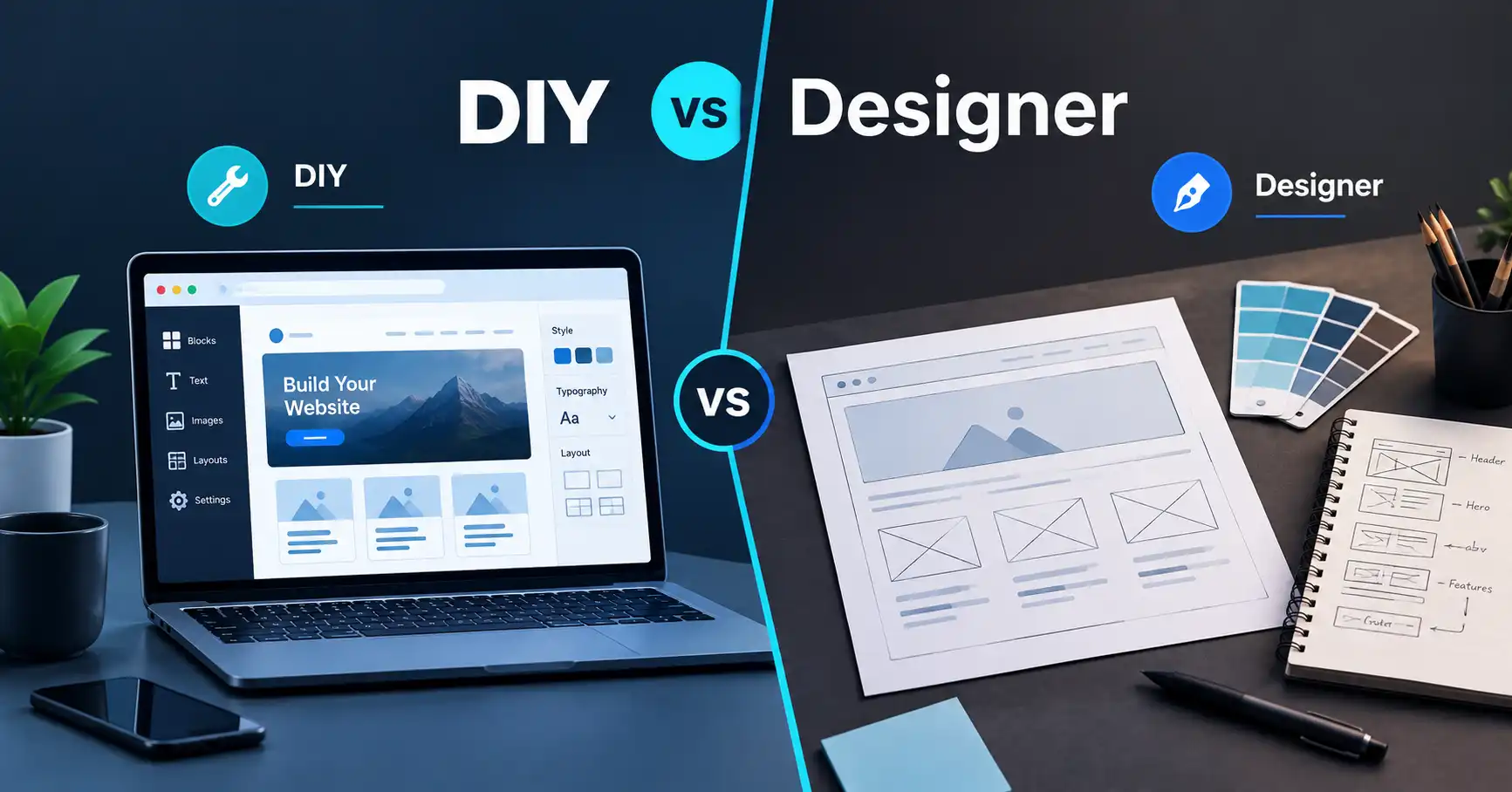
If you are comparing approaches, our article on DIY website vs hiring a web designer explains when each path makes sense.
5. Testing and launch: 2–5 days
Before launch, the site should be checked for:
- Broken links
- Mobile responsiveness
- Form submissions
- Page speed
- Browser compatibility
- SSL certificate
- Search engine visibility settings
- Backup and security setup
The launch itself is usually quick. The preparation around it is what takes time.
6. Post-launch and maintenance: ongoing
A website is not finished at launch. Updates, backups, security monitoring, and content changes are part of owning a website. Our guide to website maintenance covers what to expect after launch.
How different build approaches affect the timeline
DIY website builder
Typical timeline: 1–4 weeks
A DIY builder can be fast if you have content ready and you are comfortable with the tool. The trade-off is usually flexibility and long-term scalability. You control the schedule, but you also carry the learning curve.
AI website builder
Typical timeline: a few days to 2 weeks
AI-assisted builders can generate a starting point quickly. They are useful when you want a simple online presence without learning a full platform. The result still needs editing, content replacement, and review. If you want to explore this path, Hostinger Horizons is an AI website builder option designed for this kind of no-code creation.
AI builders are not a replacement for strategy, content, or ongoing maintenance. They are a starting point.
WordPress or another CMS
Typical timeline: 2–8 weeks
WordPress offers flexibility and a large ecosystem. A standard business site can be built relatively quickly using a quality theme and a focused plugin set. More complex sites with custom post types, membership, or ecommerce take longer.
If you are leaning toward WordPress, our guide to WordPress hosting explains how hosting choices affect performance and setup.
Professional web development
Typical timeline: 4–12 weeks or more
Professional development usually includes planning, design, development, technical SEO, performance, security, and launch support. The timeline is longer because more work is done properly upfront. The benefit is fewer surprises, better foundations, and ongoing support.
If you would rather have the planning, design, development, and technical setup handled professionally, this is where working with a web development team can make sense.
What speeds up a website project
- Content is written and approved before design starts
- One decision-maker handles feedback
- The page list and features are finalized early
- Brand assets (logo, colors, fonts) are ready
- Feedback is consolidated and specific
- Hosting and domain are set up before development
- Scope does not expand mid-project
What delays a website project
- Waiting for content
- Too many stakeholders giving conflicting feedback
- Changing the design direction after approval
- Adding pages or features mid-build
- Slow responses to questions
- Choosing a platform late
- Underestimating testing and launch preparation
Most delays are not technical. They are decision and communication delays.
A realistic example
Suppose a local service business needs a five-page website: home, services, about, contact, and a blog. The owner has logo files and rough copy. They choose WordPress, use a professional theme, and hire a developer to set it up.
A realistic timeline might look like this:
- Week 1: Planning, content gathering, hosting setup
- Week 2: Design and layout
- Week 3: Development, forms, SEO setup
- Week 4: Testing, revisions, launch
That is four weeks. If content is delayed by two weeks, the project becomes six weeks. If the owner adds ecommerce or a booking system, add several more weeks.
This is an illustrative example, not a promise or a case study. Your timeline depends on your specific project.
Common mistakes that stretch the timeline
- Starting design before content is ready
- Assuming a five-page site takes only a few days
- Skipping planning and rebuilding later
- Choosing a platform based on price alone
- Ignoring mobile and performance until the end
- Treating launch as the finish line
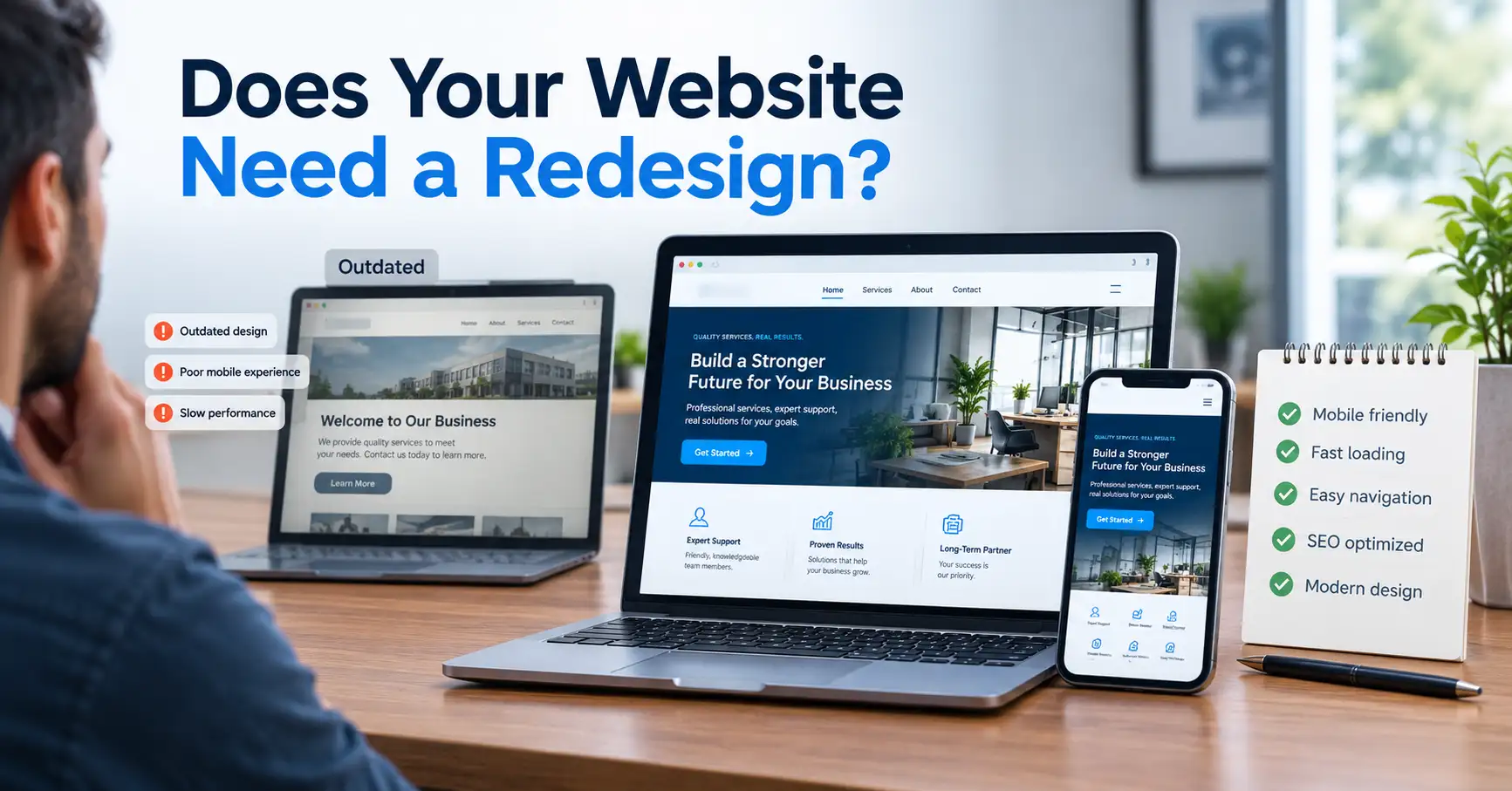
If you are rebuilding an existing site, our article on website redesign for small business covers the signs that a redesign is needed and what it involves.
When professional help makes sense
Professional help is not required for every website. A simple site with ready content can be built with a builder or WordPress theme.
Professional help makes more sense when:
- The website is important to how the business operates
- You need custom design or functionality
- You want technical SEO, performance, and security handled properly
- You do not have time to learn a platform
- You need ongoing maintenance and support
A professional team typically handles planning, design, development, technical setup, testing, and launch. That is what accounts for the timeline.
If you want to discuss your project and get a realistic schedule, you can contact PlanYourHost.
FAQ
How long does it take to build a 5-page website?
Usually two to four weeks if content is ready and the design is straightforward. Delays in content or feedback can push it to six weeks or more.
Can a small business website be built in a week?
It is possible with a template, ready content, and a single decision-maker. It is not realistic for a custom design or a site with complex functionality.
Does WordPress take longer than a website builder?
Not necessarily. WordPress can be set up quickly, but it has more configuration options. A builder may be faster for a very simple site, while WordPress offers more flexibility as the site grows.
What is the biggest cause of website delays?
Waiting for content and feedback. Technical work is rarely the bottleneck. Decision delays are.
How long does a website redesign take?
Usually four to ten weeks, depending on the size of the existing site, content migration, and whether the structure changes.
Do I need to be available during the project?
Yes. Even a well-managed project needs prompt feedback and decisions. The faster you respond, the faster the site launches.
Next step
If you are planning a website, start with the content and the page list. Those two things determine more of the timeline than any technical decision.
If you want a realistic timeline for your specific project, get in touch and describe what you need. If you are still comparing approaches, our guide to how much a small business website costs explains the budget side of the same decision.
Share this article 👇